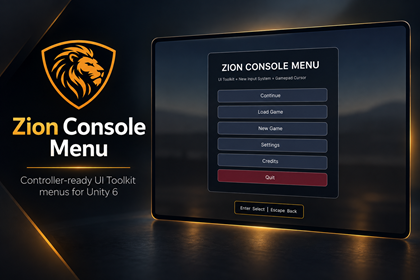
Zion Console Menu
A complete, controller-ready UI Toolkit menu foundation for Unity 6.
Stop rebuilding the same menus for every project
Zion Console Menu provides the essential menu screens, settings and integration hooks needed for a polished Unity game.
It is built with UI Toolkit and the New Input System and supports keyboard, mouse and gamepad control from the beginning.
The system remains independent of ZionTPS and does not force your project to use a particular character controller, scene manager or save system.
Complete menu foundation
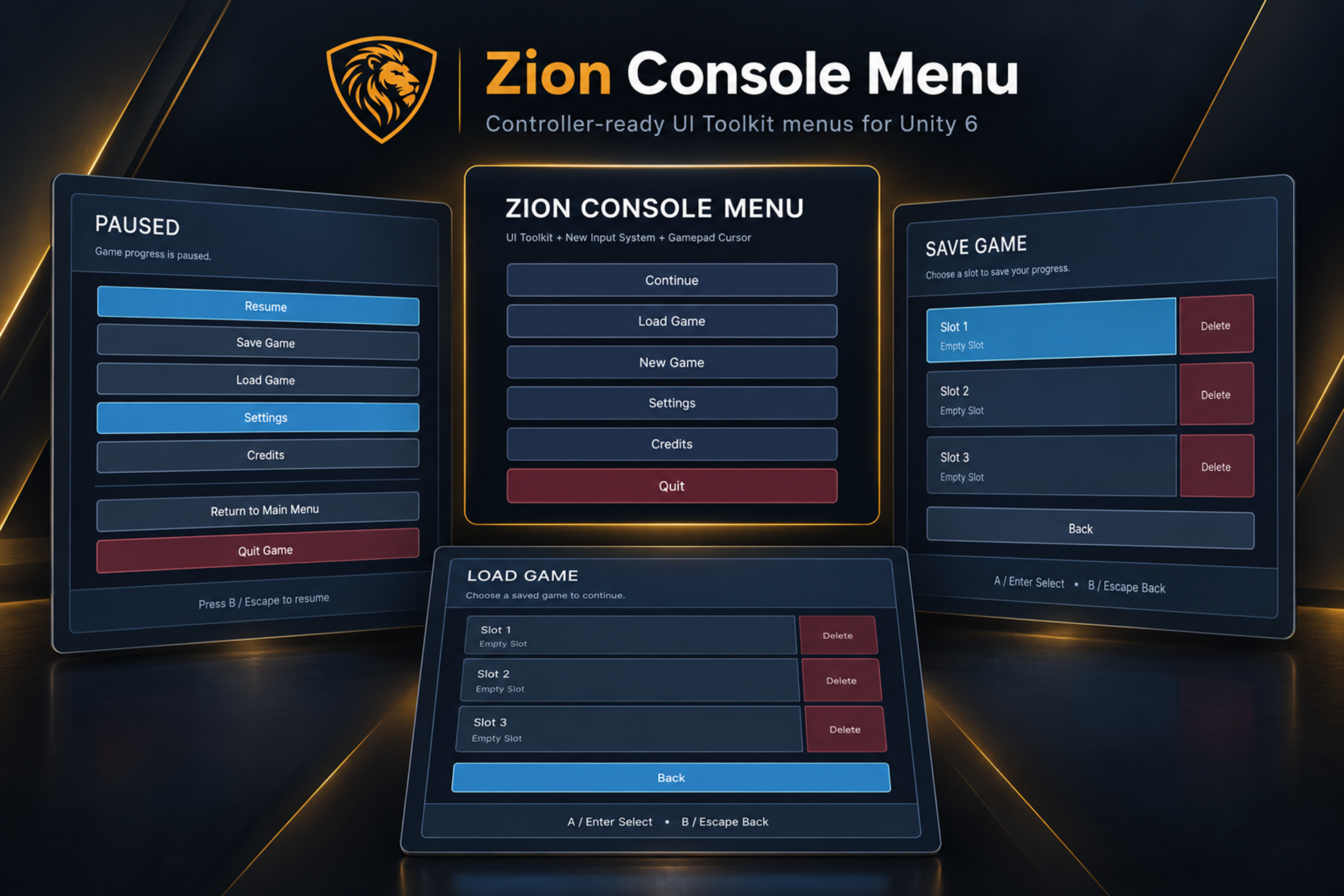
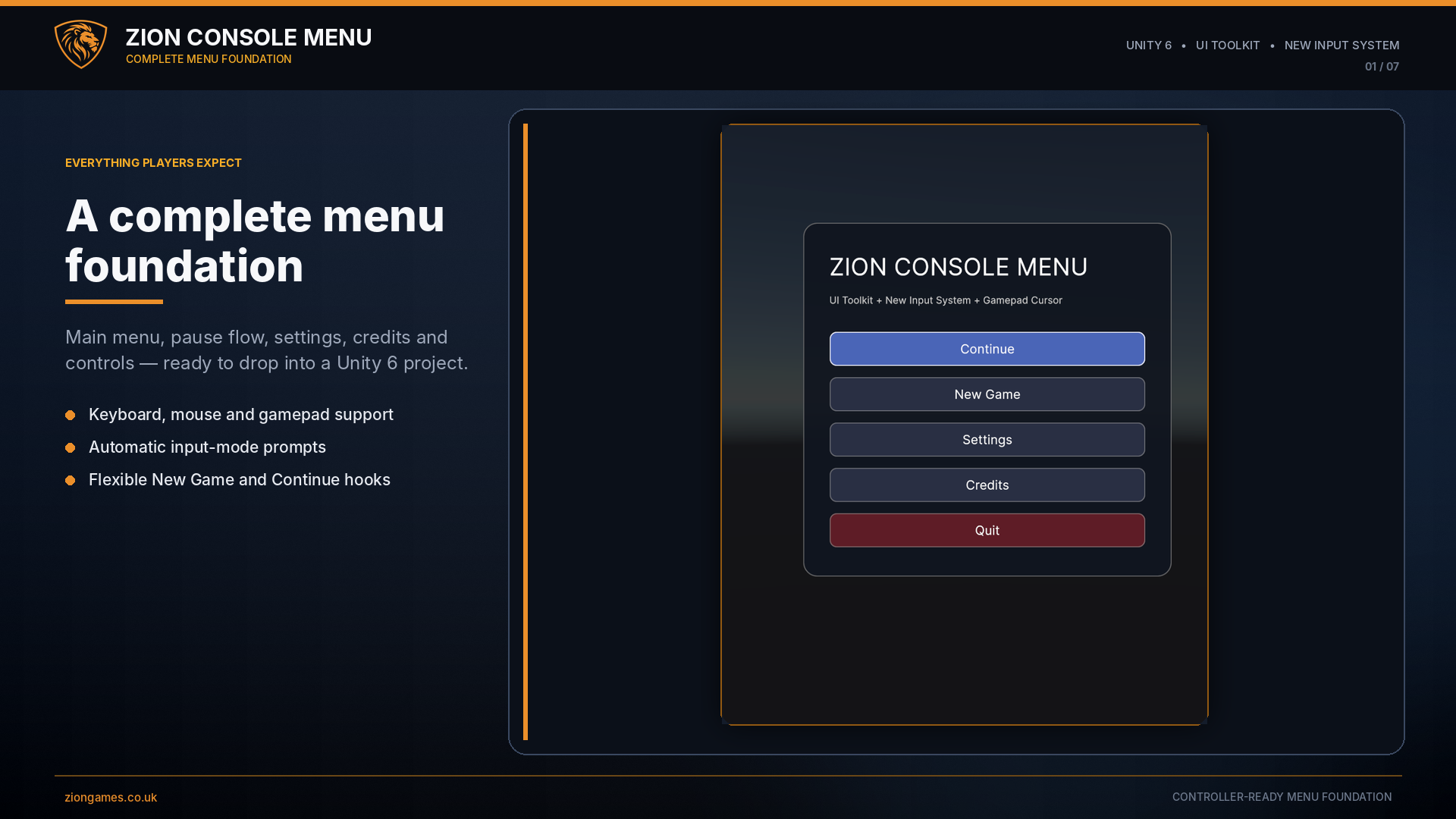
Zion Console Menu includes the core screens most games need, connected through a central menu manager with navigation history and pause-state handling.
Menu screens
- Main Menu
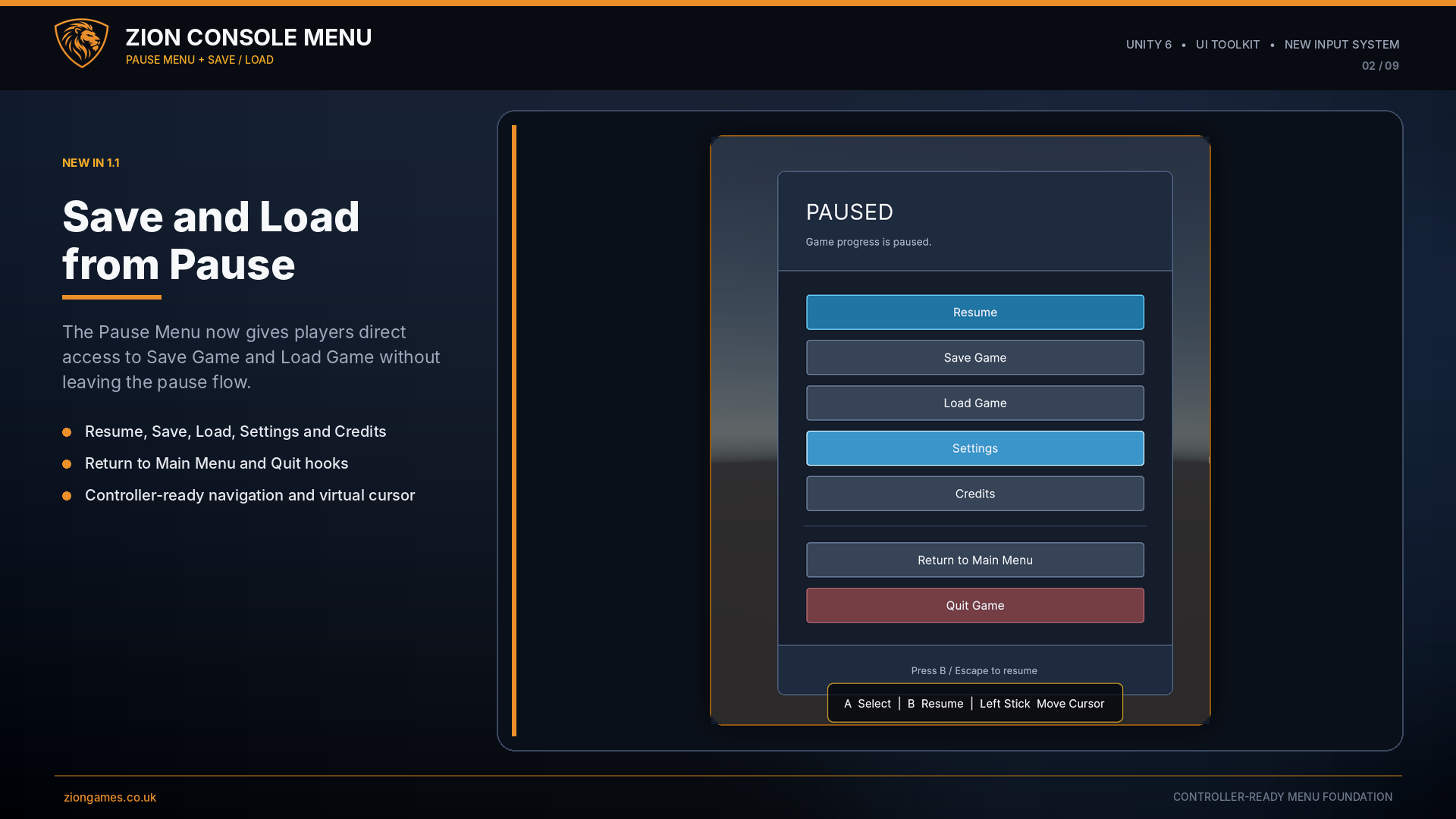
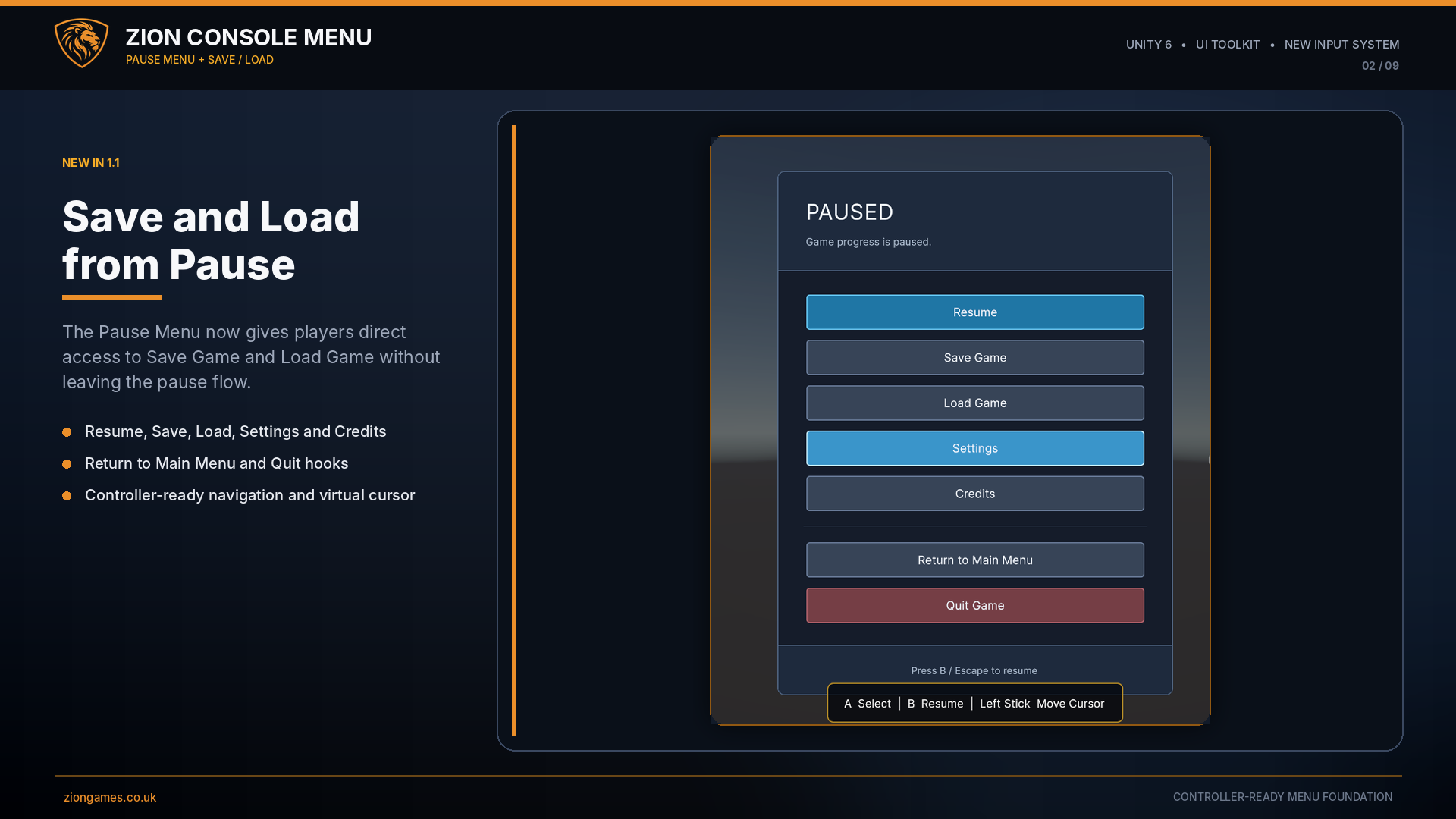
- Pause Menu
- Settings
- Controls
- Credits
- Loading overlay
Controller support
- Left-stick virtual cursor
- D-pad navigation
- Submit and Cancel actions
- Right-stick scrolling
- Trigger scrolling
- Automatic input prompts
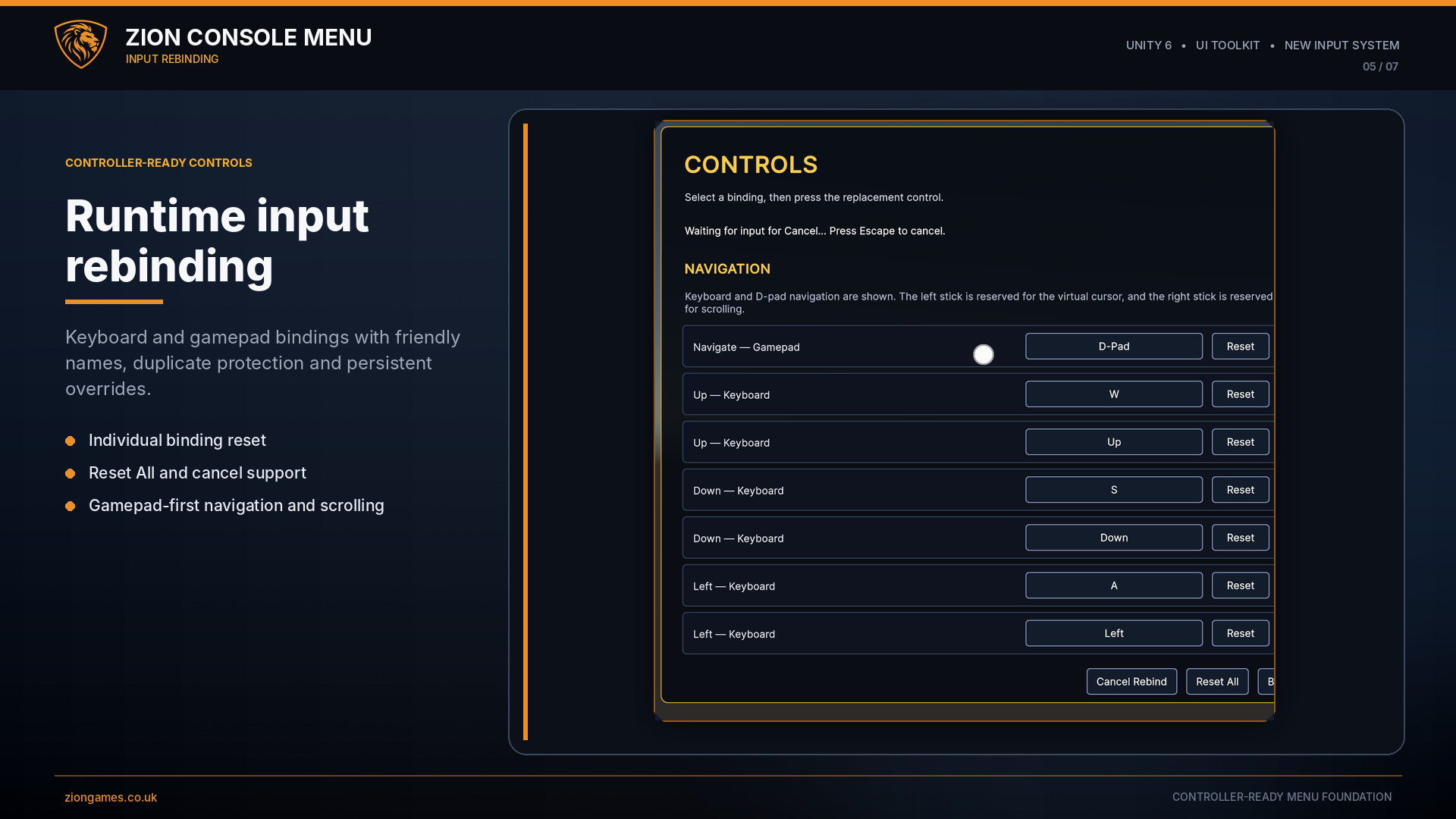
Runtime rebinding
- Keyboard bindings
- Gamepad bindings
- Persistent saved overrides
- Duplicate binding detection
- Reset individual bindings
- Reset All support
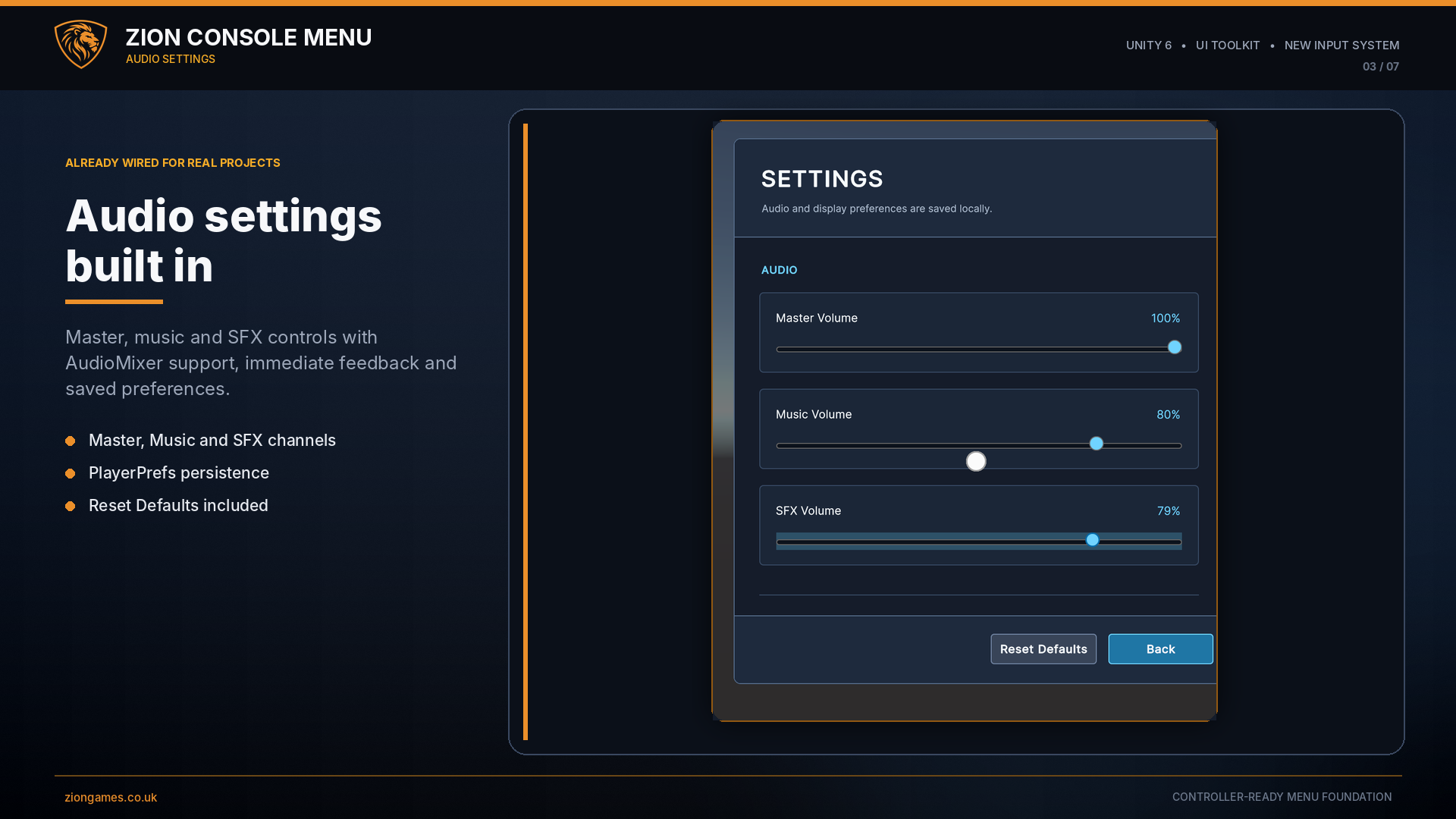
Audio and display settings
AudioMixer controls
Connect the supplied bridge to your AudioMixer and provide persistent control over:
- Master volume
- Music volume
- SFX volume
- UI rollover and click feedback
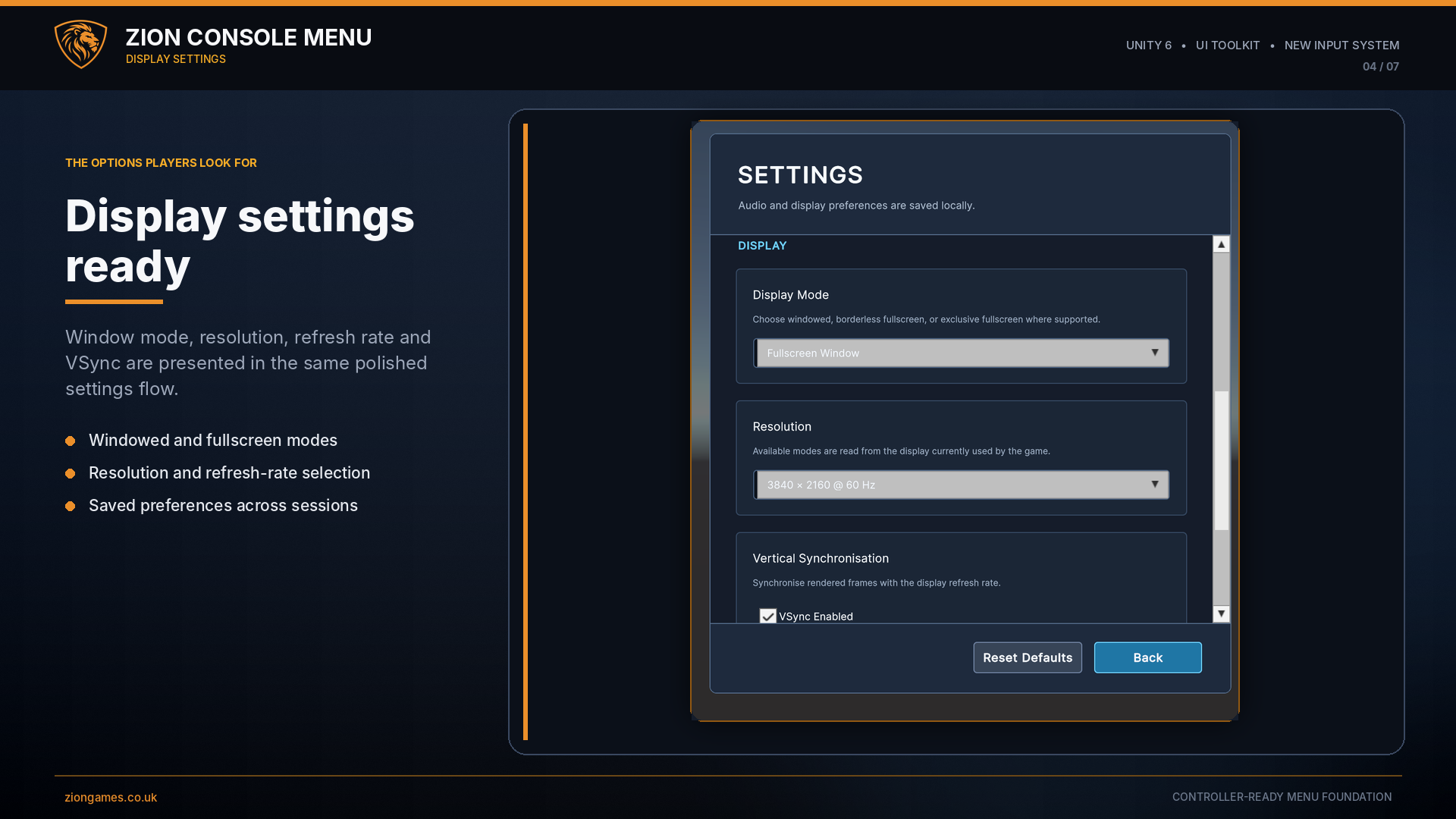
Desktop display settings
Give players access to common display options without building another settings system.
- Display mode
- Resolution and refresh rate
- VSync
- Persistent saved values
- Reset to defaults
Flexible game-flow integration
Zion Console Menu does not force you to replace your existing scene, save or loading systems.
Use the built-in scene-loading options for a straightforward project, or connect its UnityEvents to your own game-flow architecture.
Game actions
- New Game
- Continue
- Resume
- Return to Main Menu
- Quit
Loading hooks
- Loading started
- Loading progress
- Loading completed
- Transition failure
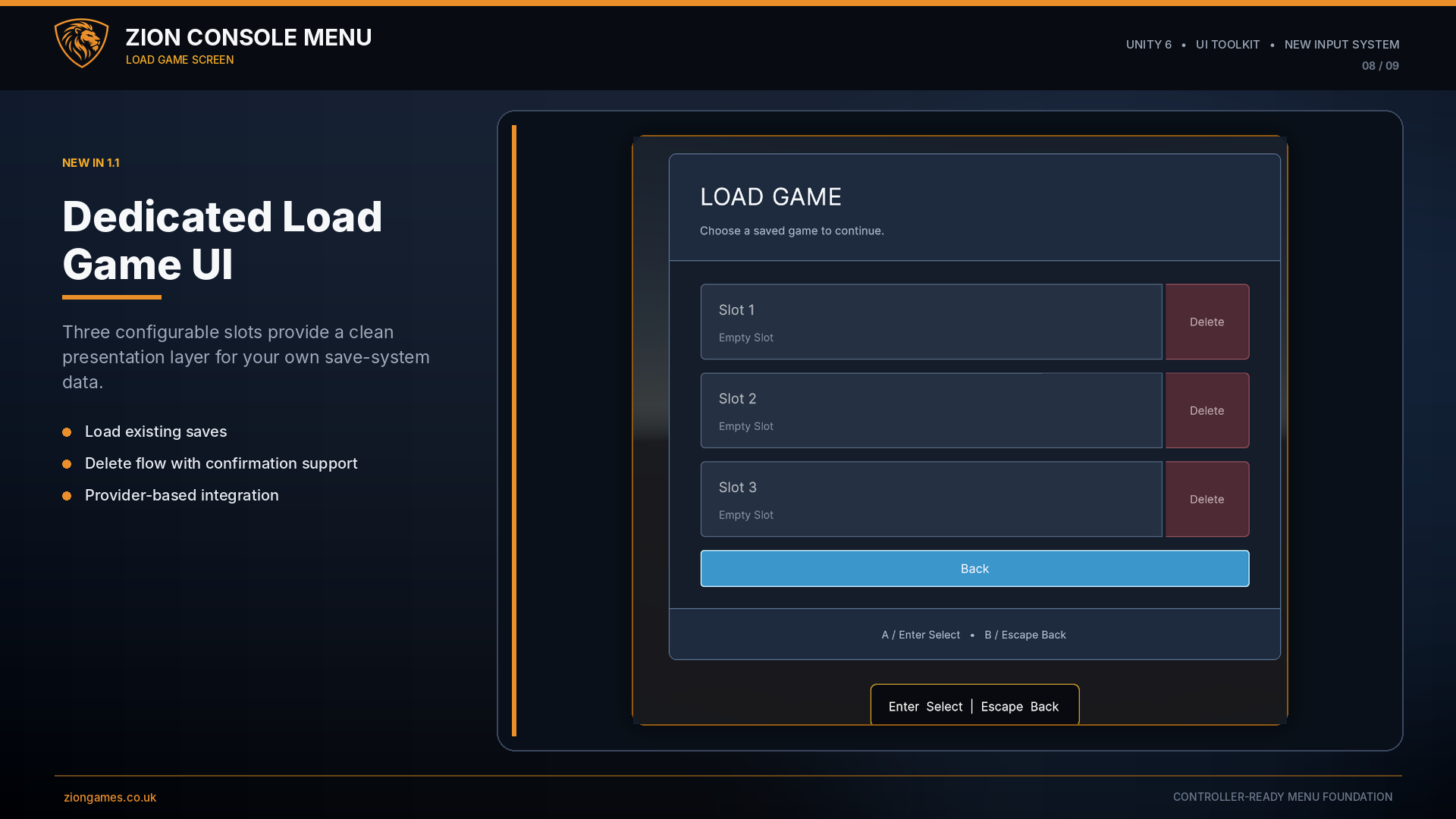
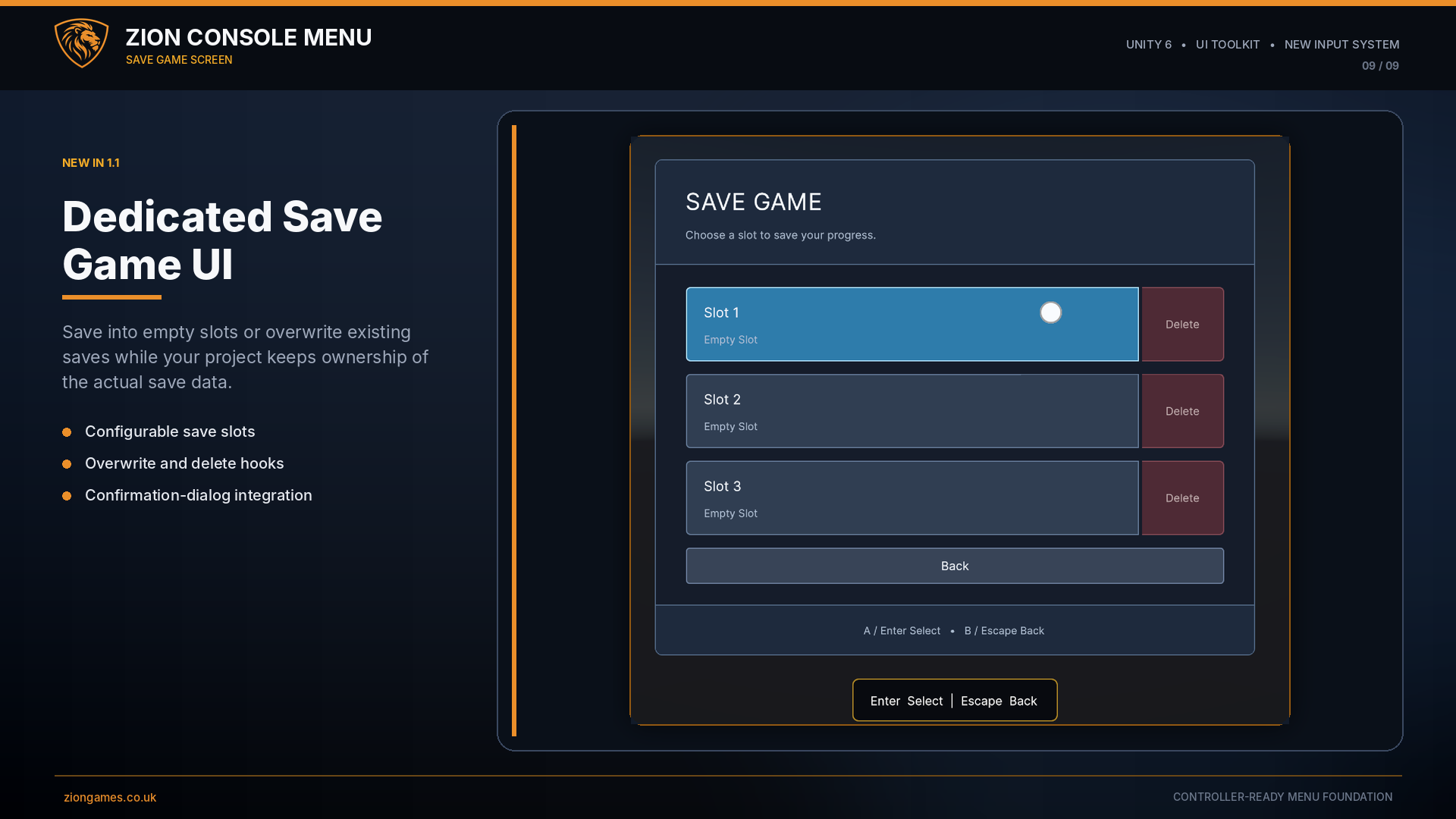
Save-system ready
A generic Continue availability interface allows a save system to enable or disable Continue without coupling the menu to a specific save implementation.
Setup Wizard and built-in diagnostics
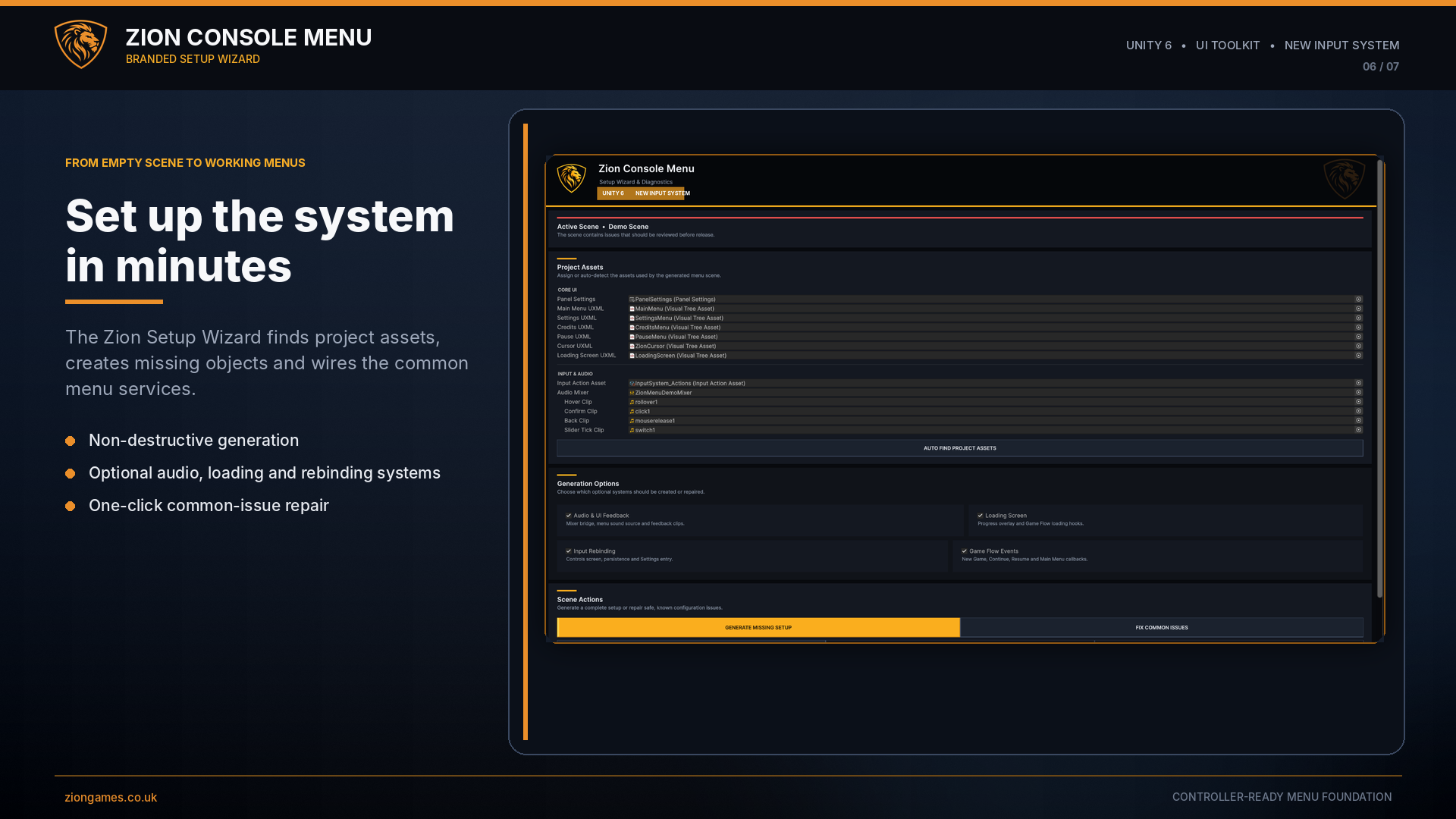
Open the Zion Console Menu Setup Wizard from the Unity Tools menu to generate the required objects, connect project assets and validate the installation.
Guided setup
- Locate required assets
- Generate missing scene objects
- Assign Panel Settings
- Connect menu UXML assets
- Connect the Input Action Asset
- Connect an AudioMixer
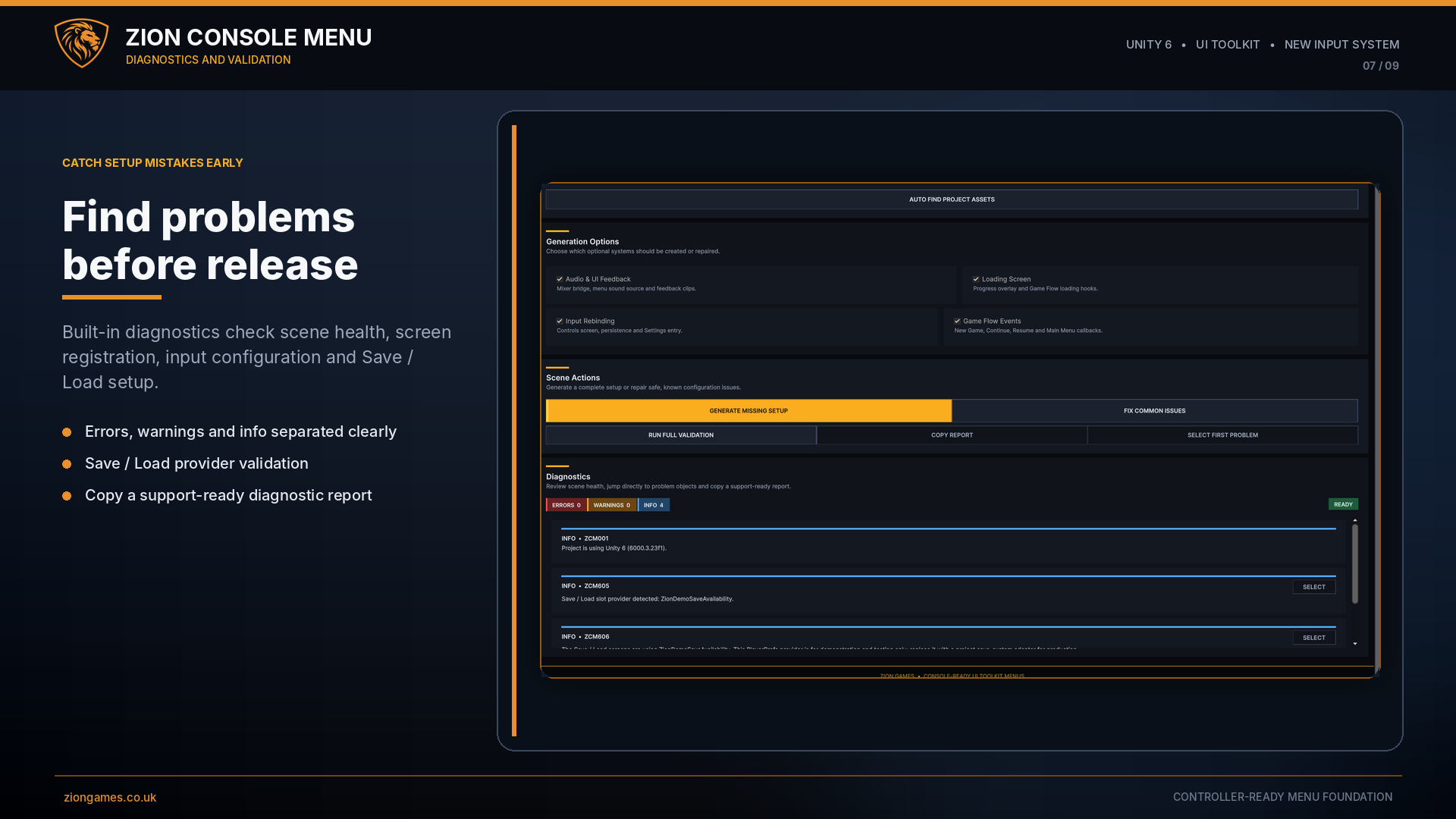
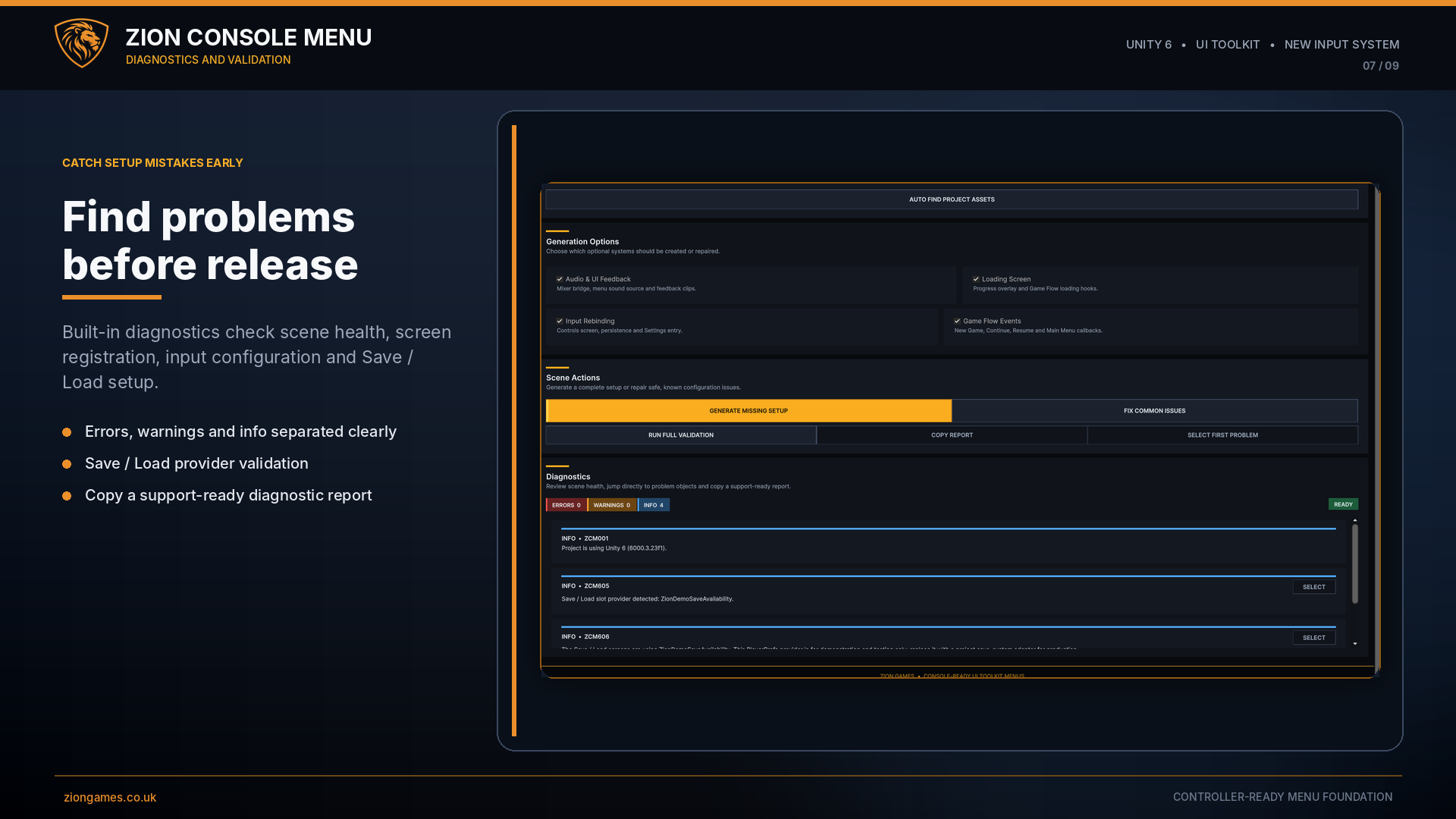
Project diagnostics
- Run full validation
- Repair safe common issues
- Check UI document sort orders
- Detect input-asset mismatches
- Identify missing references
- Copy a support-ready report
Requirements
- Unity 6
- Unity UI Toolkit
- Unity New Input System
- No ZionTPS installation required
- No third-party runtime framework required
Setup and demonstration
Get Zion Console Menu
Documentation and support
The documentation includes a Quick Start guide, full User Guide, Game Flow integration guidance, save-system integration architecture and troubleshooting information.
Third-party notice
Zion Console Menu uses selected audio from Kenney UI Audio under the Creative Commons CC0 licence. Full attribution and licence information are included in the package.