Unity Assets • Tools • Templates

Production-Ready Unity 6 Assets for Real Game Projects

Build faster with clean, production-ready systems from Zion Games. Start with our Unity 6 third-person controller, extend with a health and stamina system for Unity, and follow the setup guide and documentation.

24/7
Developer Support
100%
Active Maintenance
URP/HDRP
Fully Compatible
⭐ Flagship
Unity 6 Ready

ZionTPS

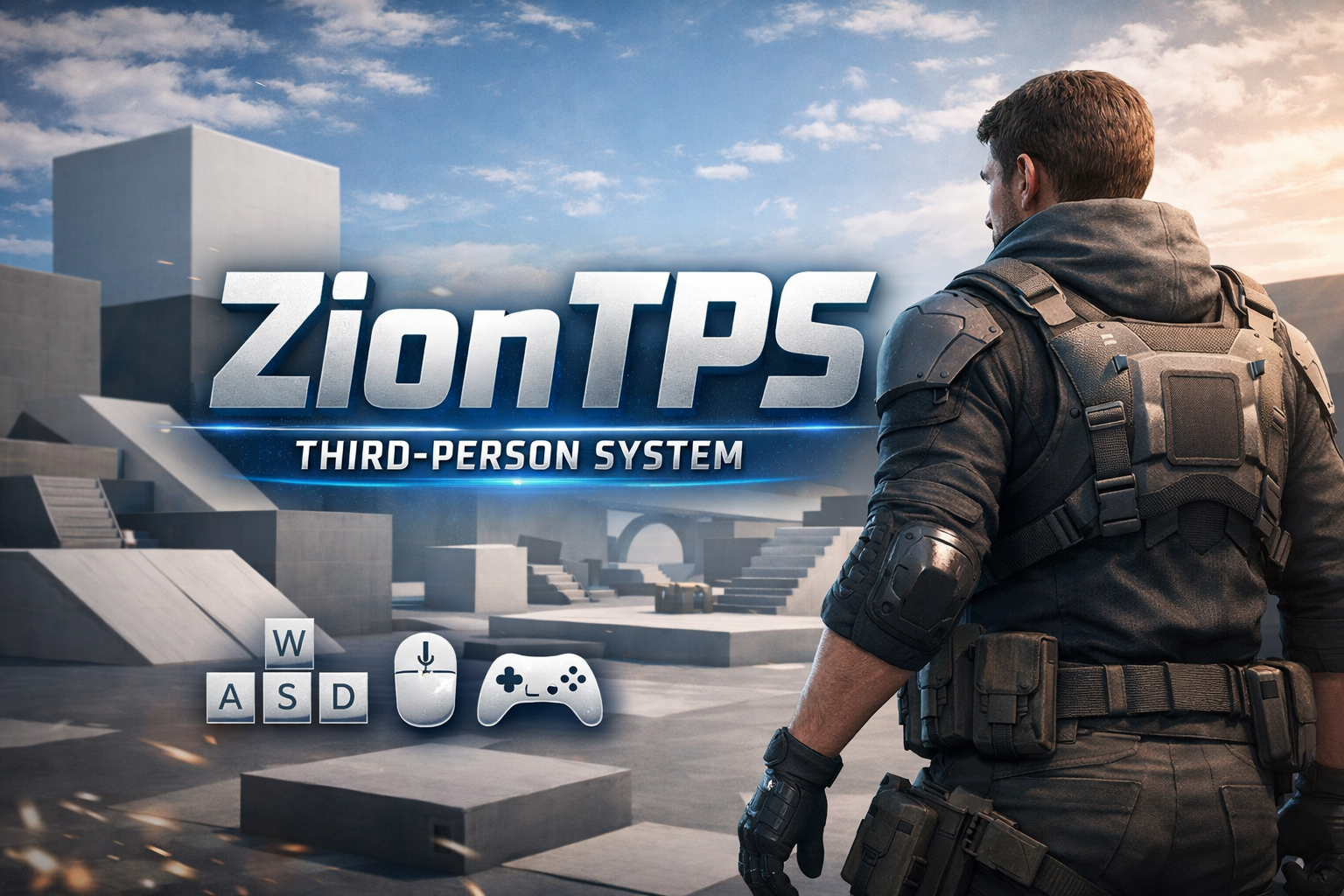
Modular third-person locomotion for Unity 6 with smooth, camera-driven movement and Input System support.

Core Modules Clean Architecture

ZionTPS

Your premium third-person controller — modular by design, built for real production projects.

Best for

Use cases
Action-adventure games RPG projects Prototype-to-production workflows Modular controller projects

Designed for Extension

Architecture

Add features as modules instead of bloating core. Keep projects clean: import only what you need.

Optional Systems Event-Driven Clean Code

Documentation First

Docs

Quick-start, examples, and practical integration notes. Built so users succeed fast — without guesswork.

Quick Start Examples API Notes

Start here

Pick your entry point and get productive quickly.

ZionTPS

Start with the Unity 6 third-person locomotion foundation and add modules as needed.

Open ZionTPS →

Stats Module

Add health, stamina, regen, and gameplay-ready stat events without touching core.

Open Stats →

Documentation

Use quick-starts and integration notes to ship faster with fewer setup mistakes.

Open docs →

ZionTPS Modules

Add only what you need. Stats is available — XRay and UI are coming soon.

Why Choose Zion Games Assets?

Every asset is crafted with professional developers in mind—built for real projects, not tutorials.

🚀

Production Ready

Drop into your project and start building immediately. No prototypes, no half-finished code—just professional tools that work.

📖

Complete Documentation

Full API reference, quick-start guides, video tutorials, and real-world examples. Get productive in minutes, not days.

🔧

Lifetime Updates

Regular compatibility updates, bug fixes, and feature improvements. Your investment is protected as Unity evolves.

💬

Priority Support

Direct access to the developer. Fast response times, custom solutions, and help when you need it most.

Clean Architecture

Well-structured, commented code following Unity best practices. Easy to extend, modify, and integrate with existing systems.

Battle Tested

Used in shipped commercial games. Proven performance, stability, and reliability under real production conditions.

🎯 Get Started Today

All assets are available on the Unity Asset Store (Coming Soon) with a 100% satisfaction guarantee.

💡 Pro tip: Check our documentation before purchase to ensure it fits your needs.

Join the Community

Your feedback shapes what gets built next.

💬 Discord

Ask questions, share what you're building, and get direct support from the developer.

Join the server →

🐛 Found a bug?

Report issues directly — every bug gets looked at and fixes ship fast. No ticket queues.

Contact support →

🗺️ Roadmap input

Tell us what modules or features matter most to you. The roadmap is shaped by real developer needs.

Share feedback →

Get in Touch

Need custom features, found a bug, or have a question? We're here to help.

Email Support
support@ziongames.co.uk
Discord Community
Join our server
Documentation
docs.ziongames.co.uk

Send us a message

We typically respond within 24 hours

Compatibility & Proof

Transparent compatibility targets and shipping-focused support details.

Version targets

  • Unity: 6.x (LTS-ready workflows)
  • ZionTPS Core: v1.0.x
  • Stats Module: v1.0.x
  • Latest update: 2026-04-17

Render pipelines

  • Built-in Render Pipeline
  • URP (Universal Render Pipeline)
  • HDRP (High Definition Render Pipeline)

Supported input types

  • Keyboard + Mouse
  • Gamepad / Controller
  • Unity Input System package

FAQ

Quick answers before you start integrating.

Is ZionTPS a full combat controller or a locomotion foundation?

ZionTPS is a locomotion foundation. Combat and advanced gameplay are designed as optional modules.

Does ZionTPS use Unity Input System?

Yes. ZionTPS is built around Unity Input System and supports keyboard/mouse and gamepad.

Does ZionTPS support CharacterController or Rigidbody?

Current implementation is CharacterController-based for predictable locomotion behavior.

Which modules are available now?

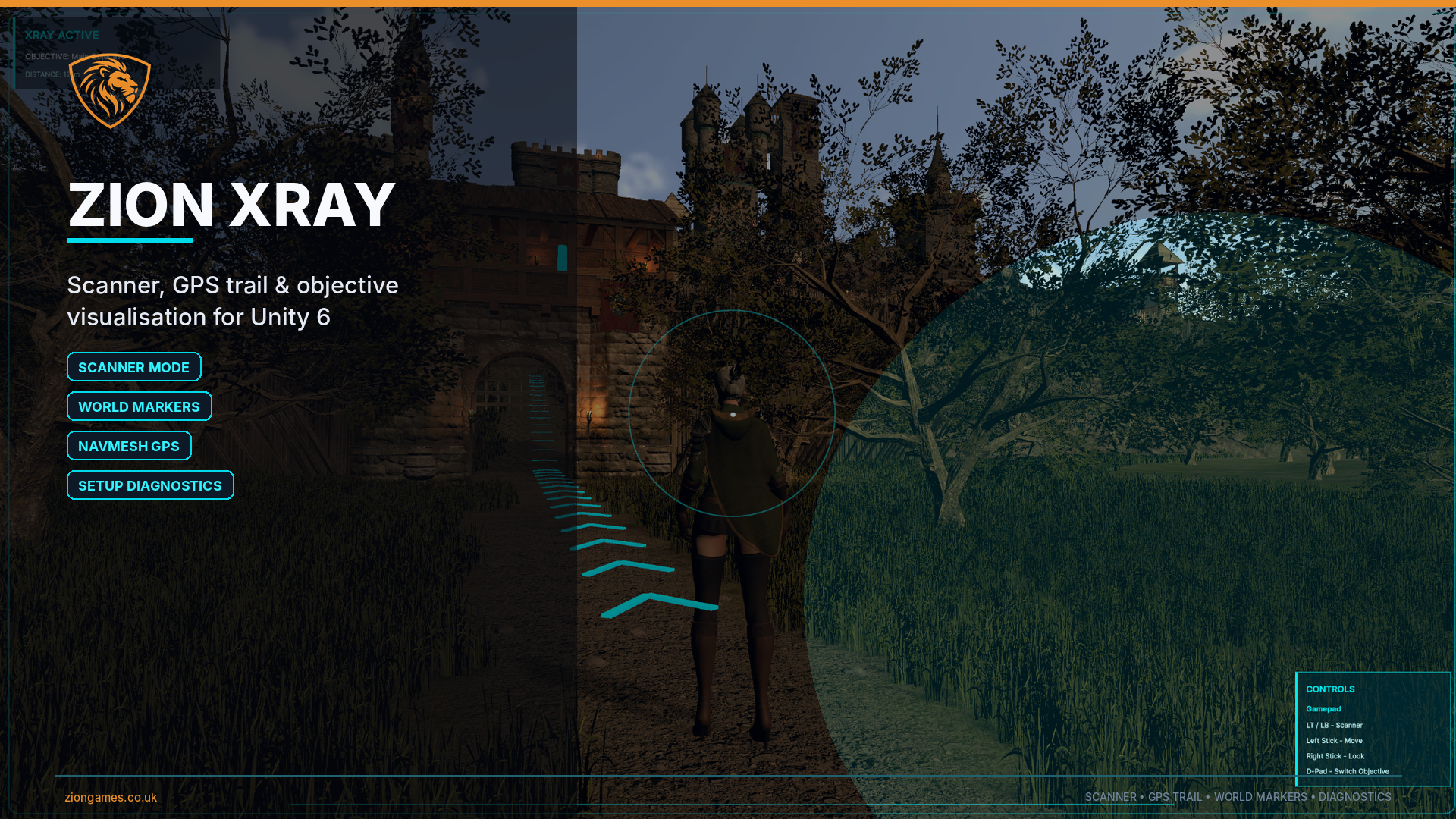
Stats Module is available now. XRay and UI modules are currently marked as coming soon.

Is ZionTPS compatible with Unity 6?

Yes. ZionTPS is actively maintained for Unity 6 workflows.