Find
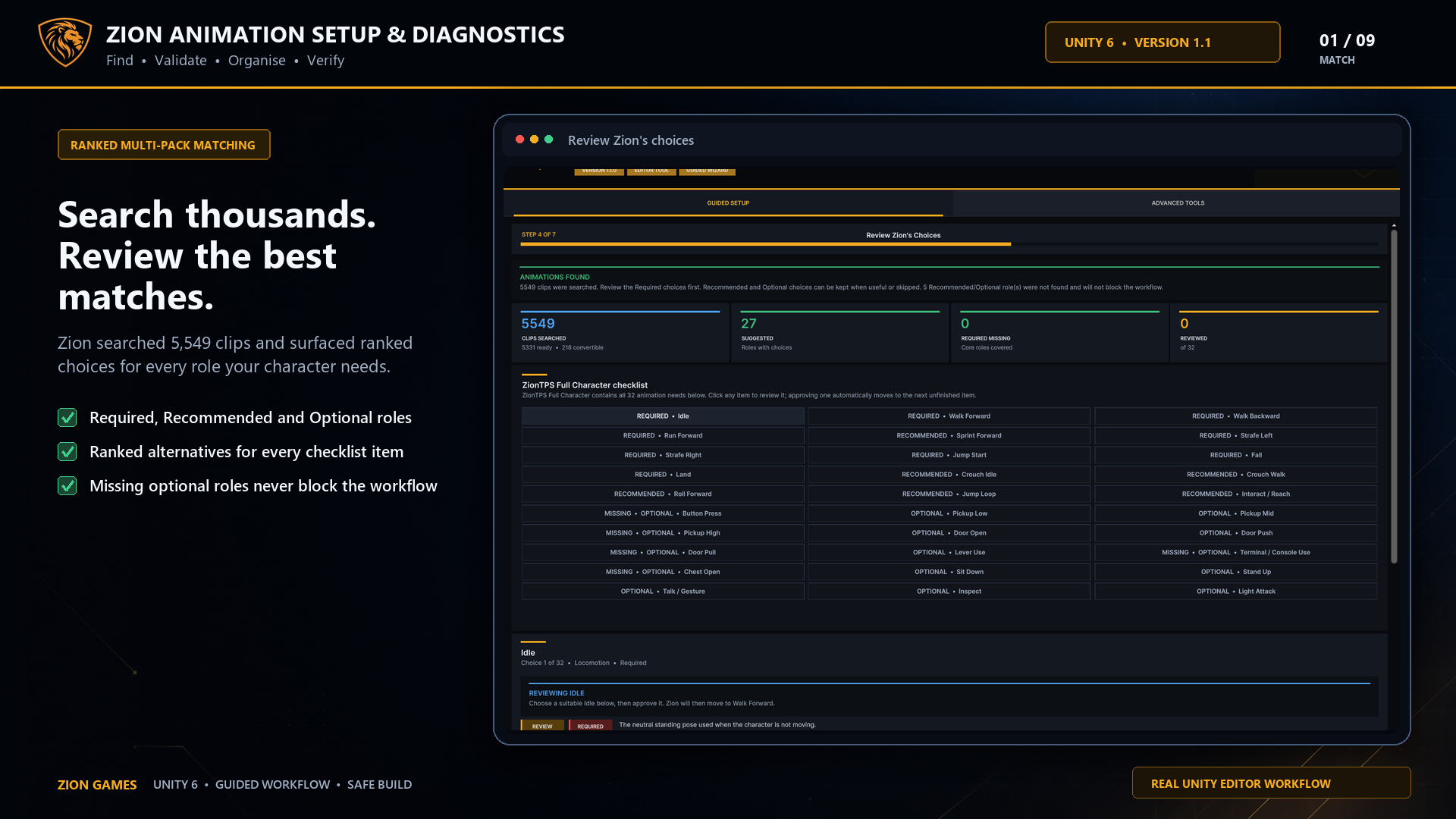
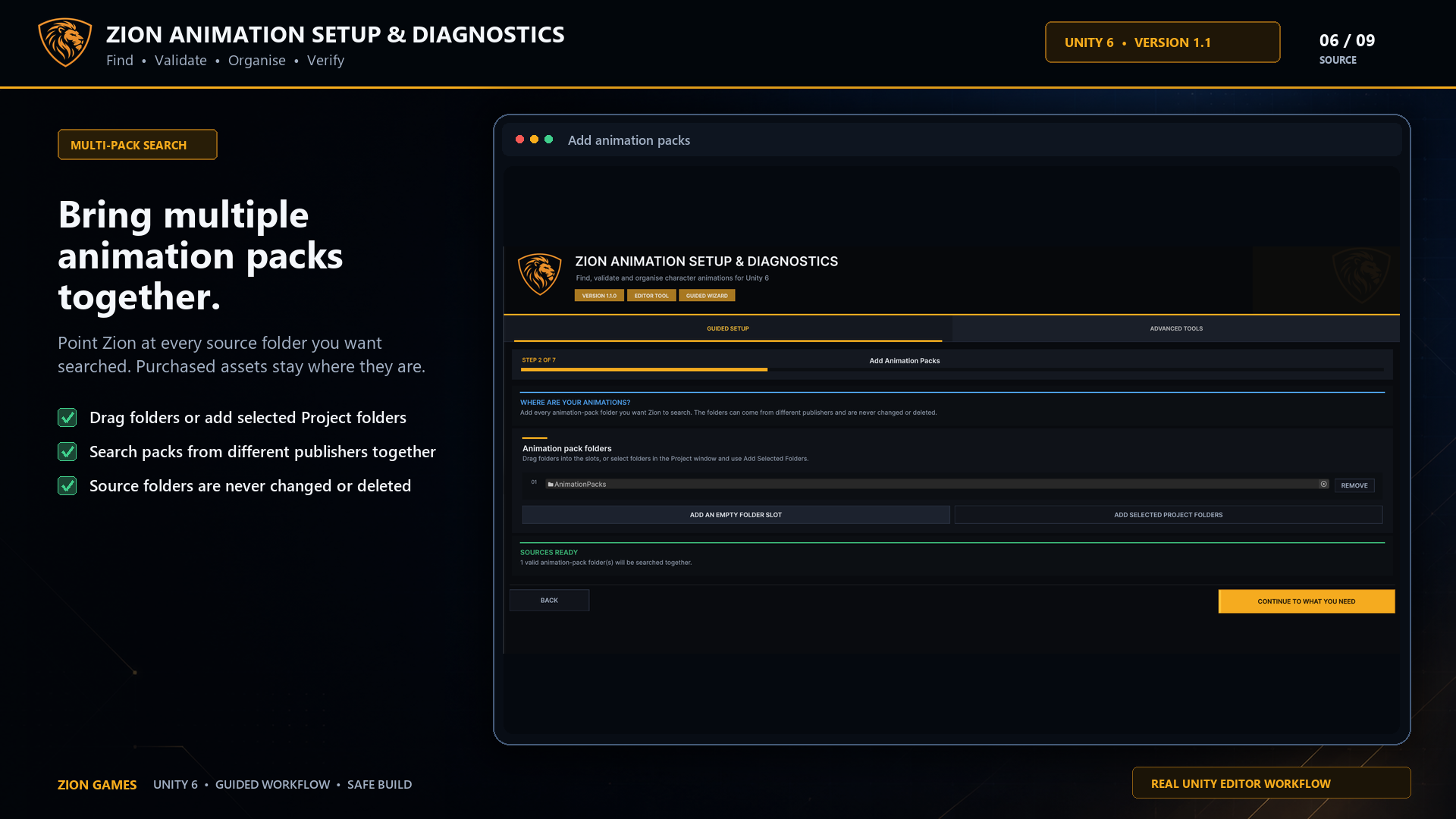
Search every pack at once
Rank suitable clips for required, recommended and optional character roles.
Unity 6 Editor tool · v1.1
Search every animation pack together, test the best matches on your own Humanoid character and build one safe, verified library.
Built for production reality
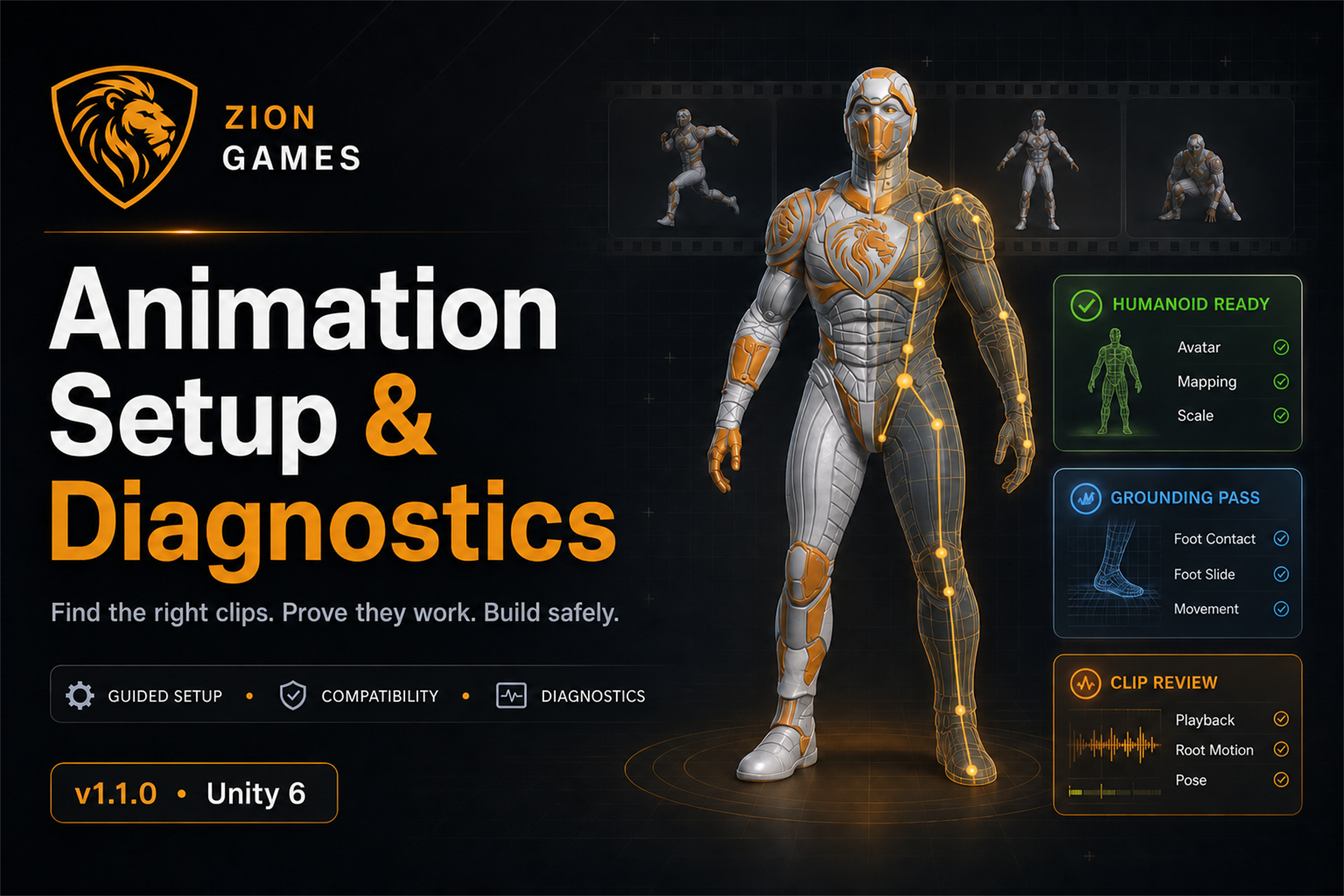
Animation packs are easy to buy and slow to organise. Zion searches them together, recommends clips by role, proves them on your character and copies only the approved results into a clean project-ready structure.
Find
Rank suitable clips for required, recommended and optional character roles.
Validate
Review pose, playback, grounding and Root Motion on your own Humanoid Avatar.
Verify
Copy approved clips and dependencies into one documented, testable library.
Real Unity editor workflow
Every image below comes from the tool itself—not a concept interface.
Use the arrow keys, controls or thumbnails to explore all nine stages.
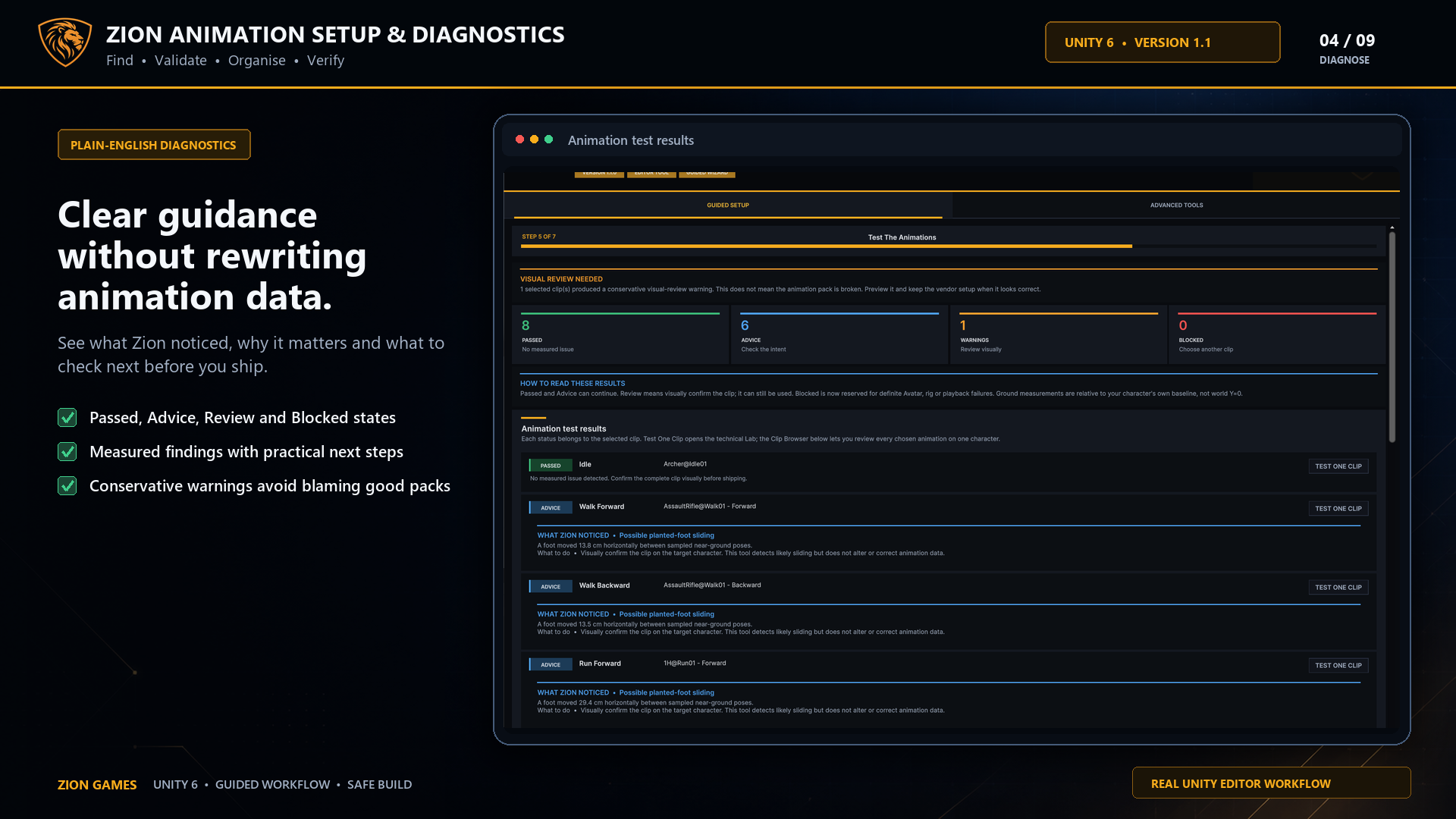 Measured evidence · practical next steps
Diagnostics without the drama
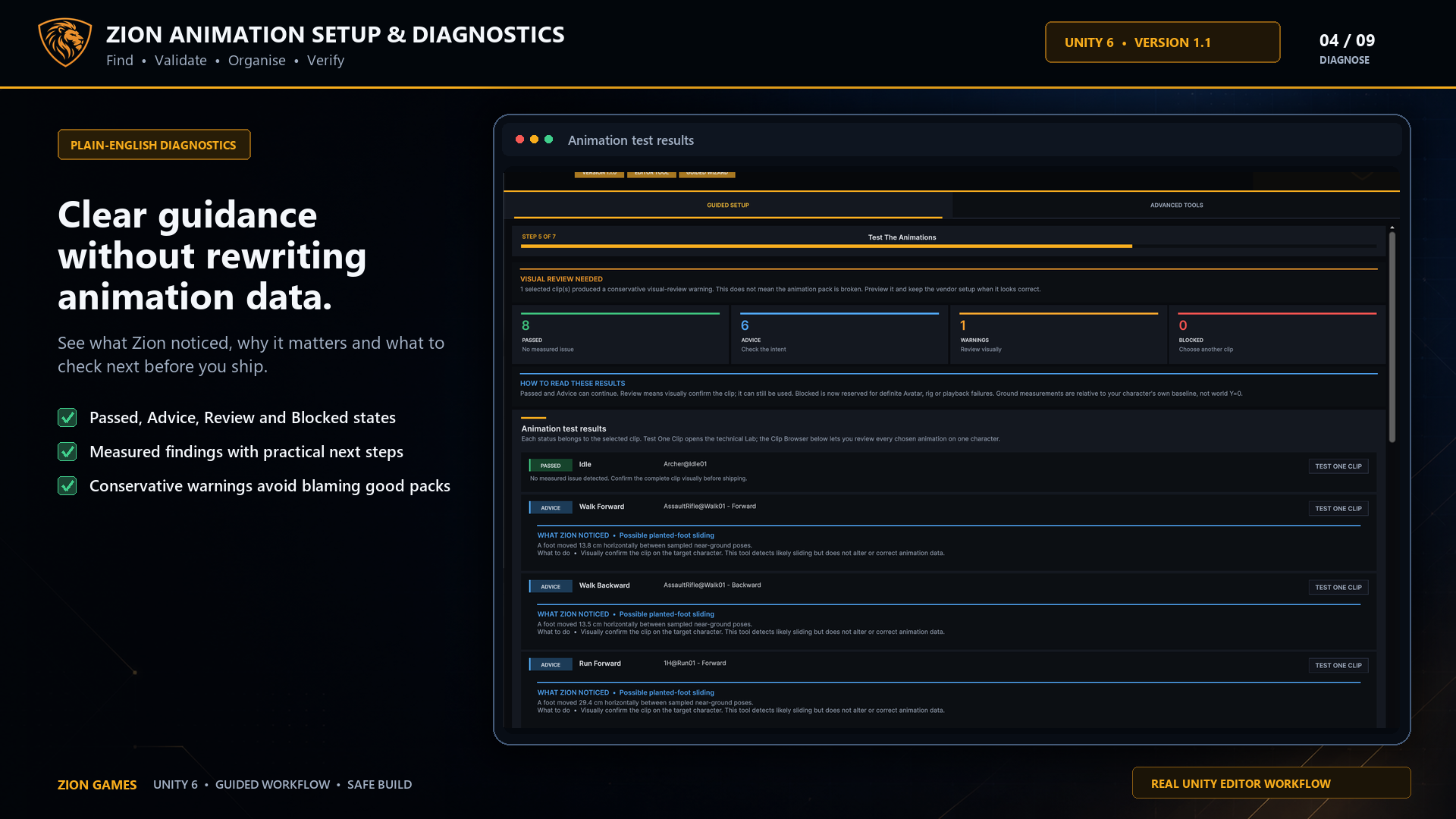
Each result explains what Zion noticed, why it matters and what to inspect next. Conservative measurements never rewrite animation data or casually label a good pack as broken.
Everything needed to make a confident choice
Start with a guided path, then open the technical tools whenever a clip or character needs deeper investigation.
Search thousands of clips and rank alternatives by name, direction, movement intent, loop and rig evidence.
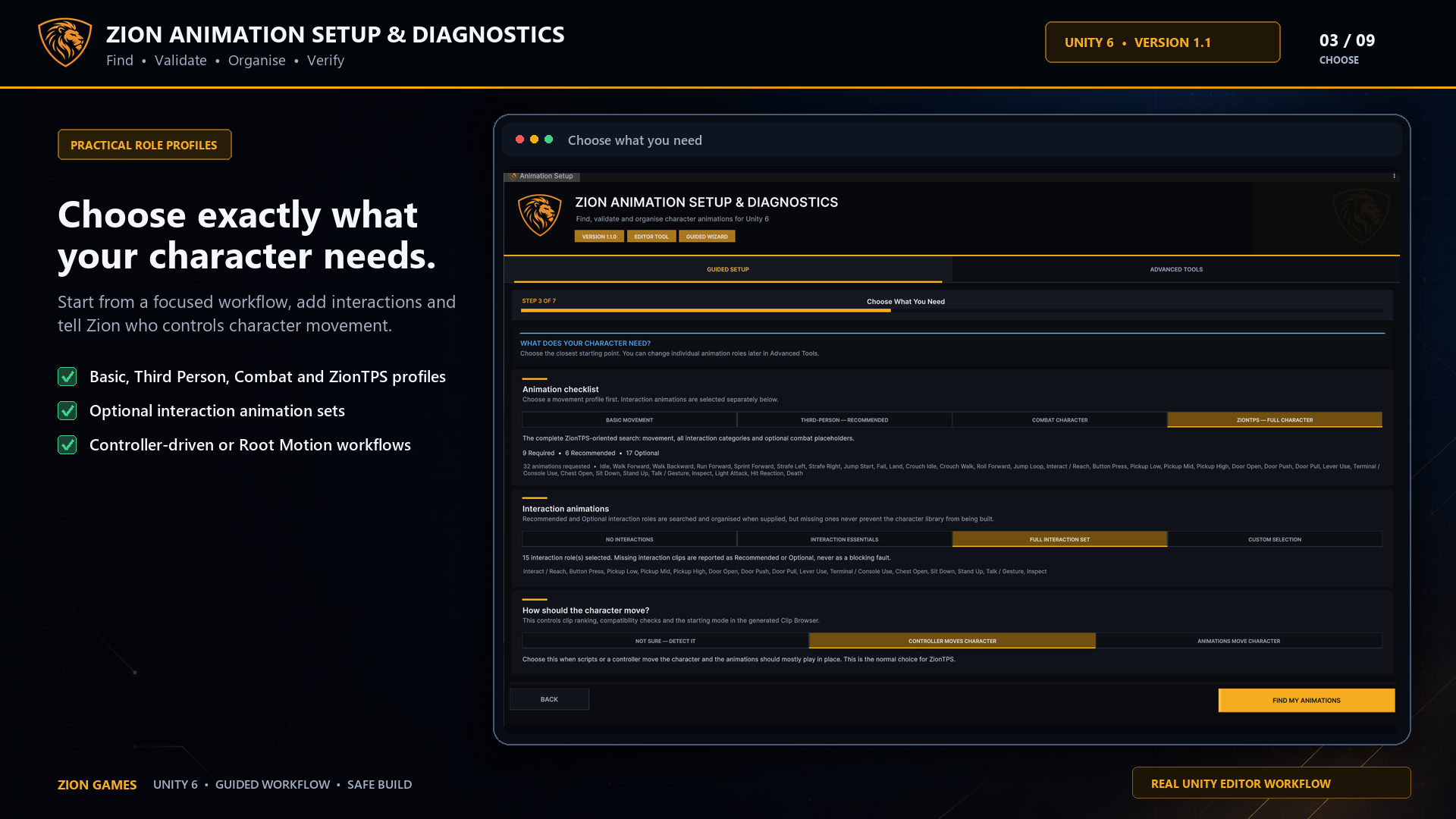
Choose Basic Movement, Third-Person, Combat or ZionTPS roles, then add only the interactions you need.
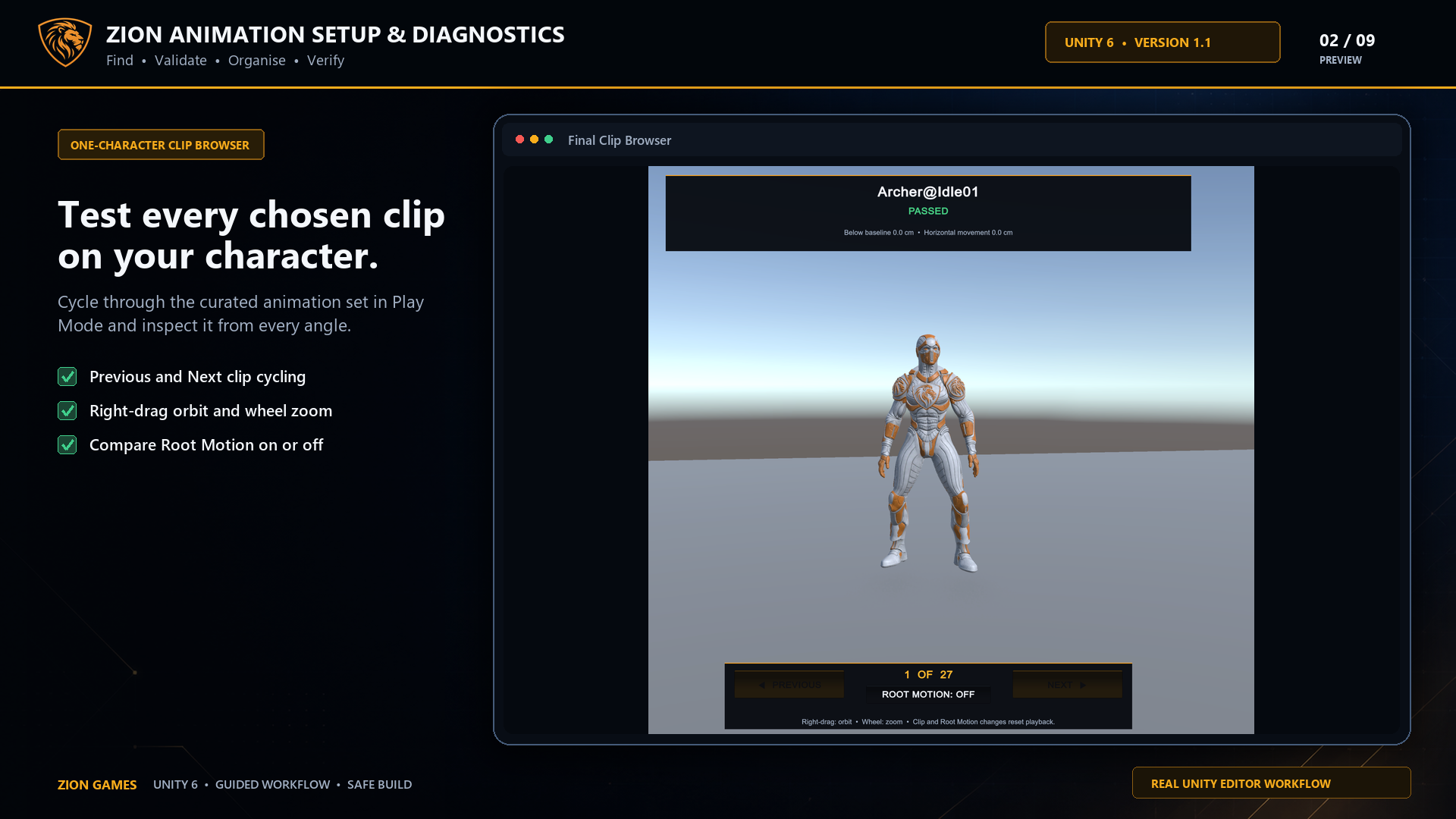
Step through every selected clip with orbit, zoom, playback and Root Motion controls in one focused view.
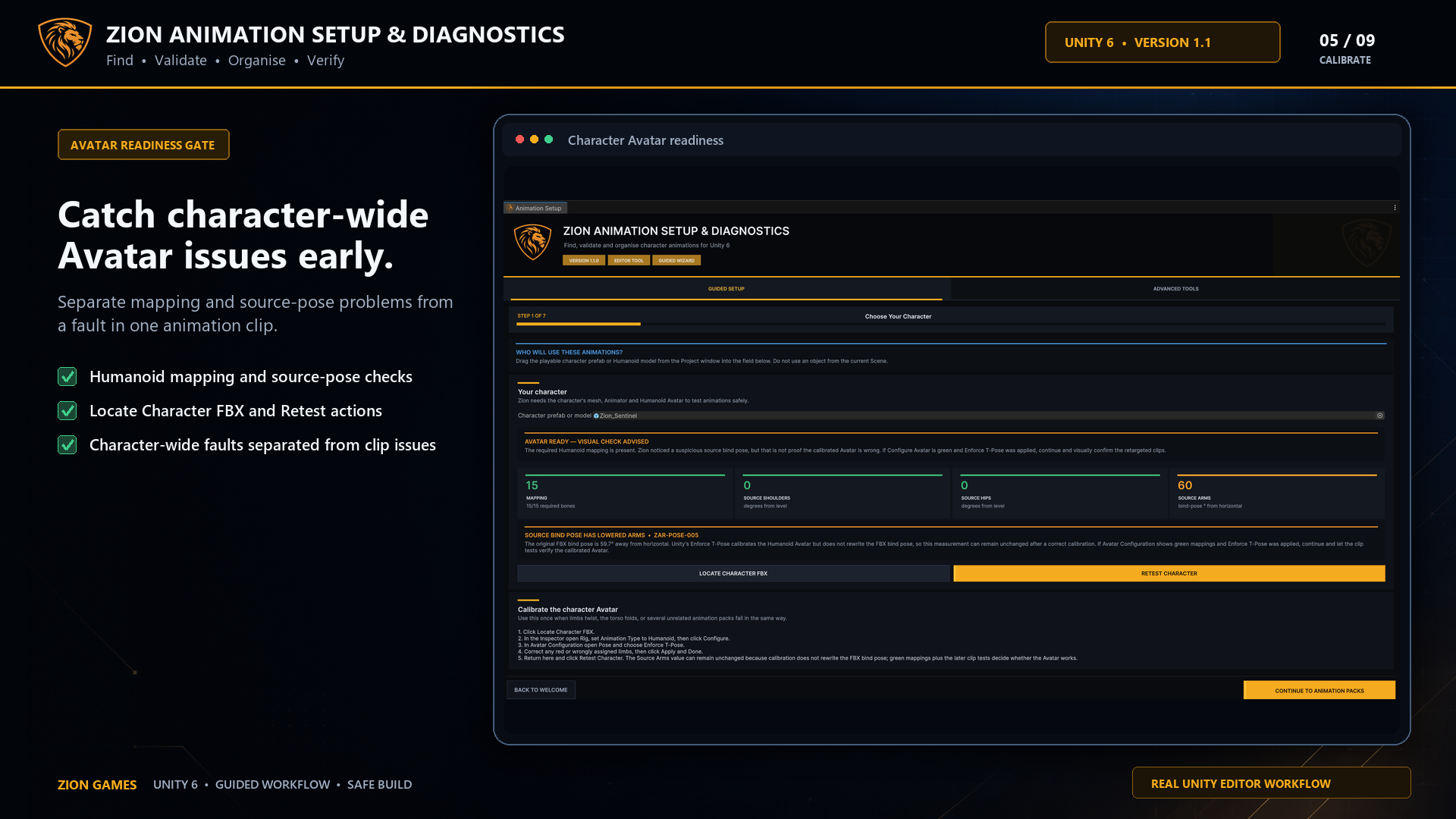
Catch character-wide mapping, shoulder, hip and pose problems before troubleshooting unrelated clips.
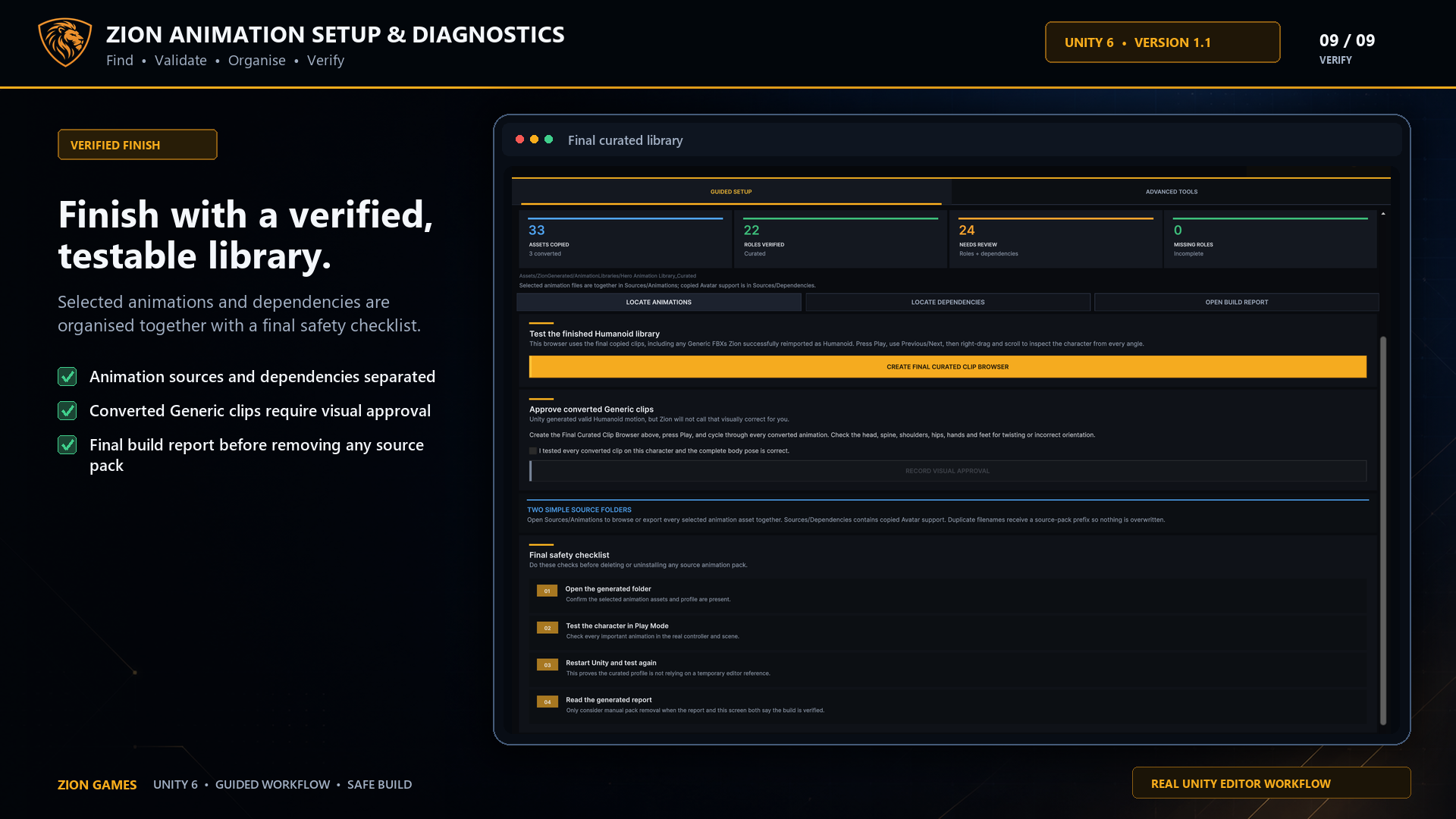
Generate a reusable setup profile, selected-role record and final report for the curated library.
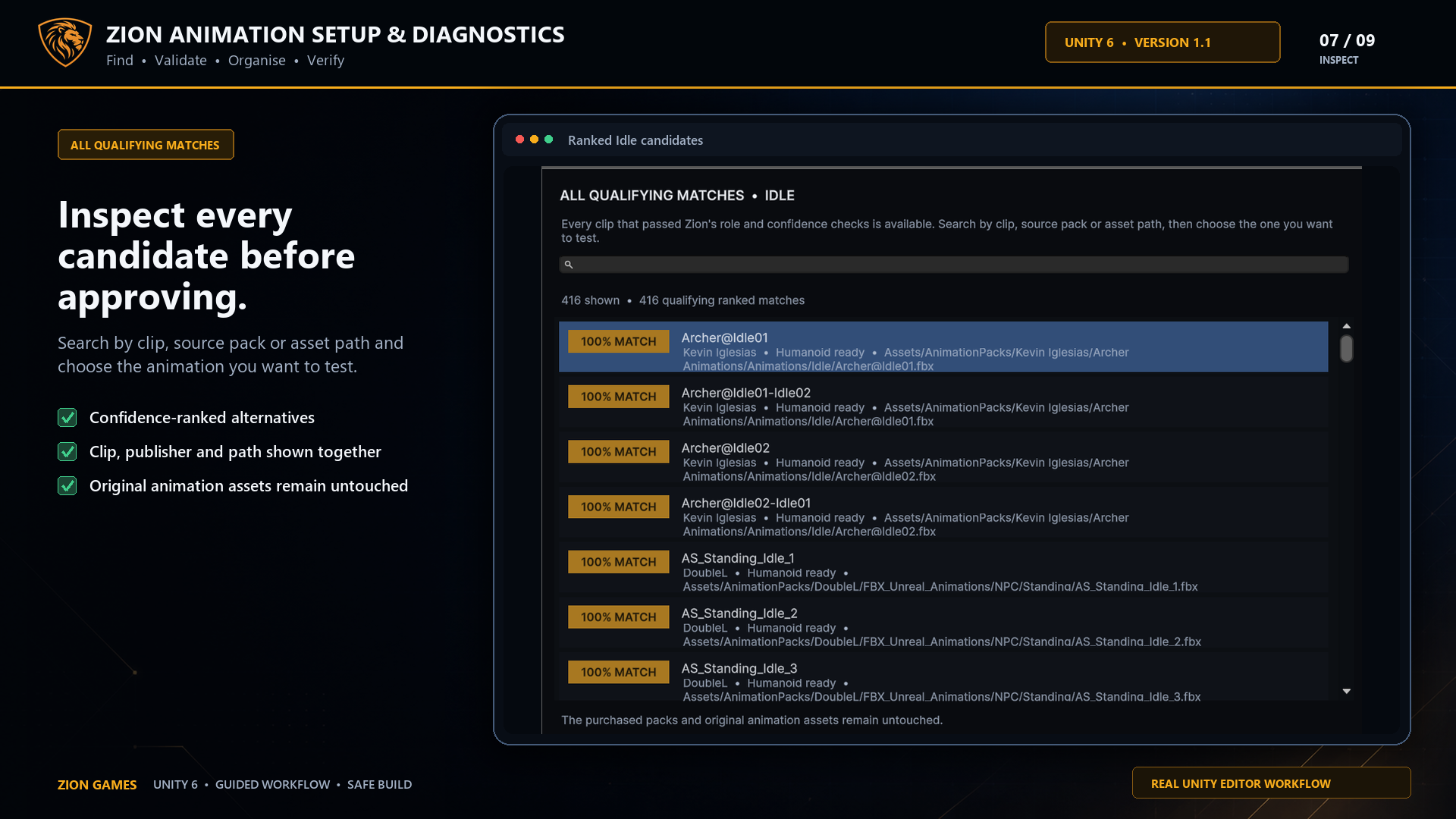
Inspect every qualifying match and test individual clips without losing the clarity of the guided workflow.
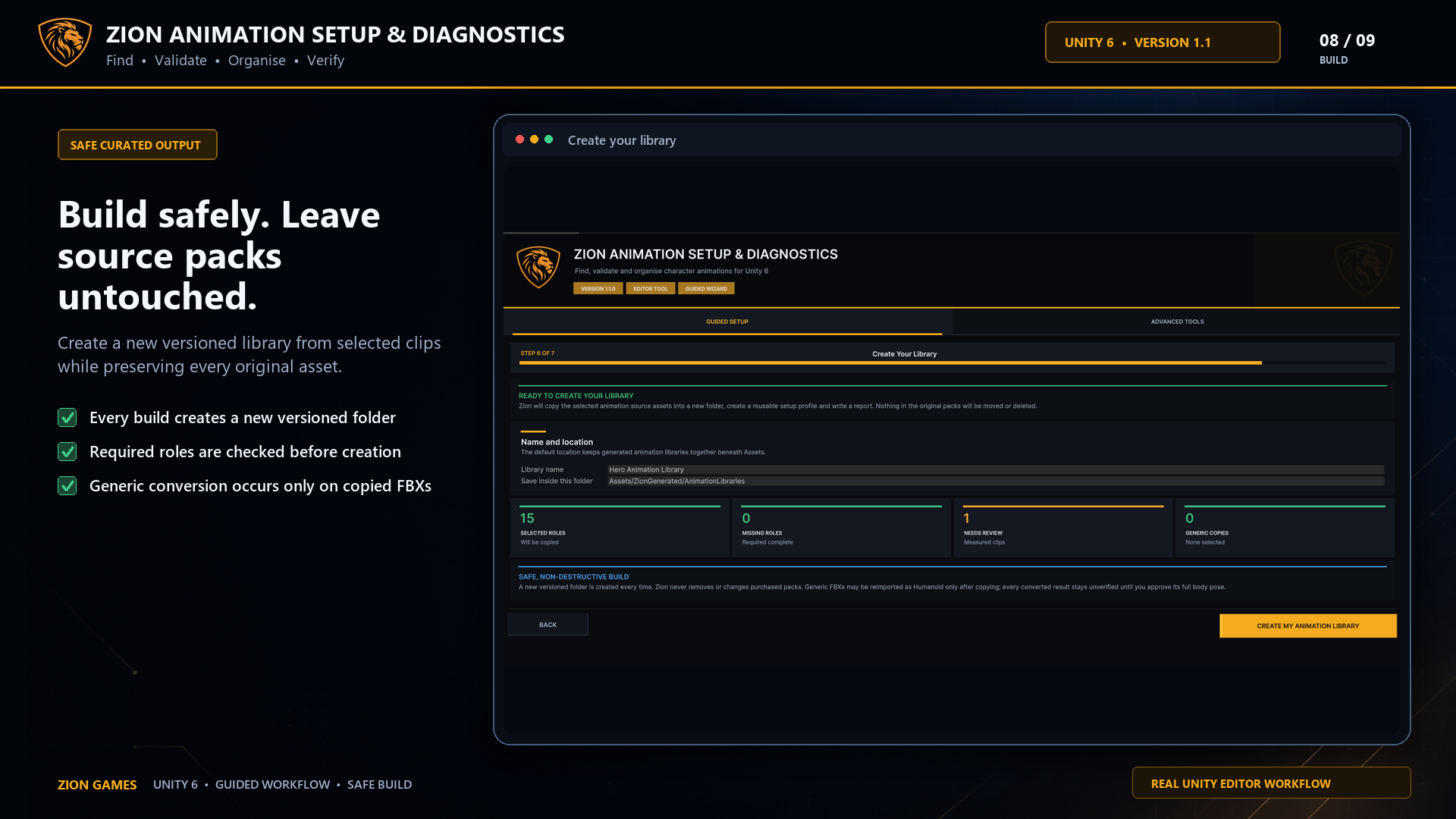 Copy selected assets · keep source packs intact
Safe by design
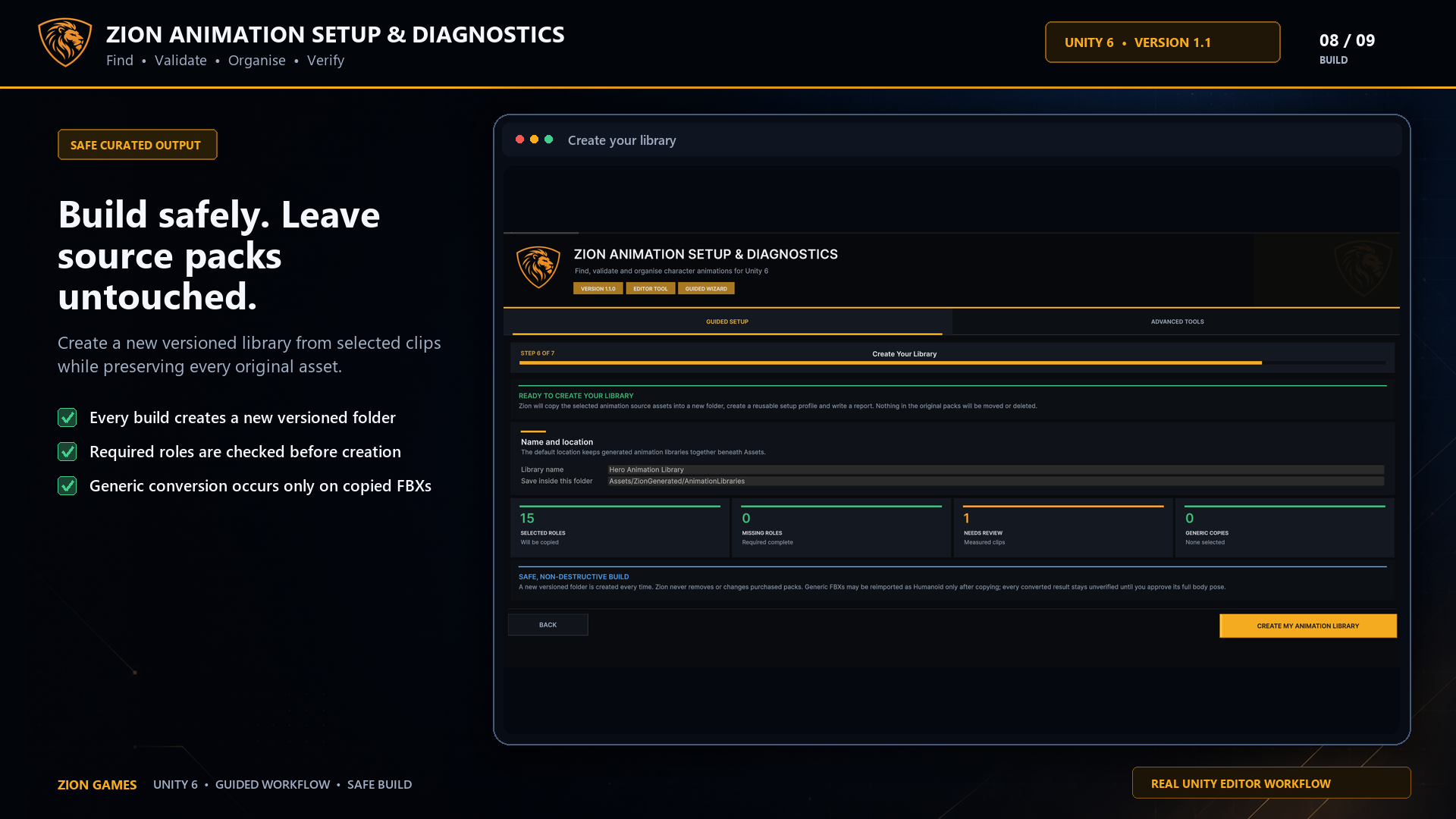
Approved assets are copied into a clean structure. Purchased source packs are never moved, edited or deleted, and converted Generic clips remain clearly marked for visual approval.
Sources/Animations
Every selected animation asset together
Sources/Dependencies
Required Avatar support kept separately
Compatibility & scope
Technical requirements
What it does not do
Frequently asked questions
Need help deciding whether the tool fits your setup?
Talk directly to the developerNo. It works with a normal Unity Animator and Humanoid character. The ZionTPS profile and adapter are optional conveniences.
It can attempt a Humanoid import on a copied FBX inside the curated library. The original pack is never changed, and the converted result remains marked for visual approval.
No. It identifies likely causes and points you to the relevant Avatar, root-transform or movement settings. It does not edit animation data.
Only after the final library is verified, Unity has been restarted and the curated clips have passed a real project test. Pack removal remains your decision.
Available now
Build a clean, tested character animation library through one guided Unity 6 workflow.