
Overview
v1.1.0Zion Scene Backup runs silently in the background, taking timestamped snapshots of your open scenes on a schedule you control. When something goes wrong, restore any scene to any point in seconds.
Set it up in 30 seconds. Forget it's there until the day it saves your project.
Why developers add it on day one of every project
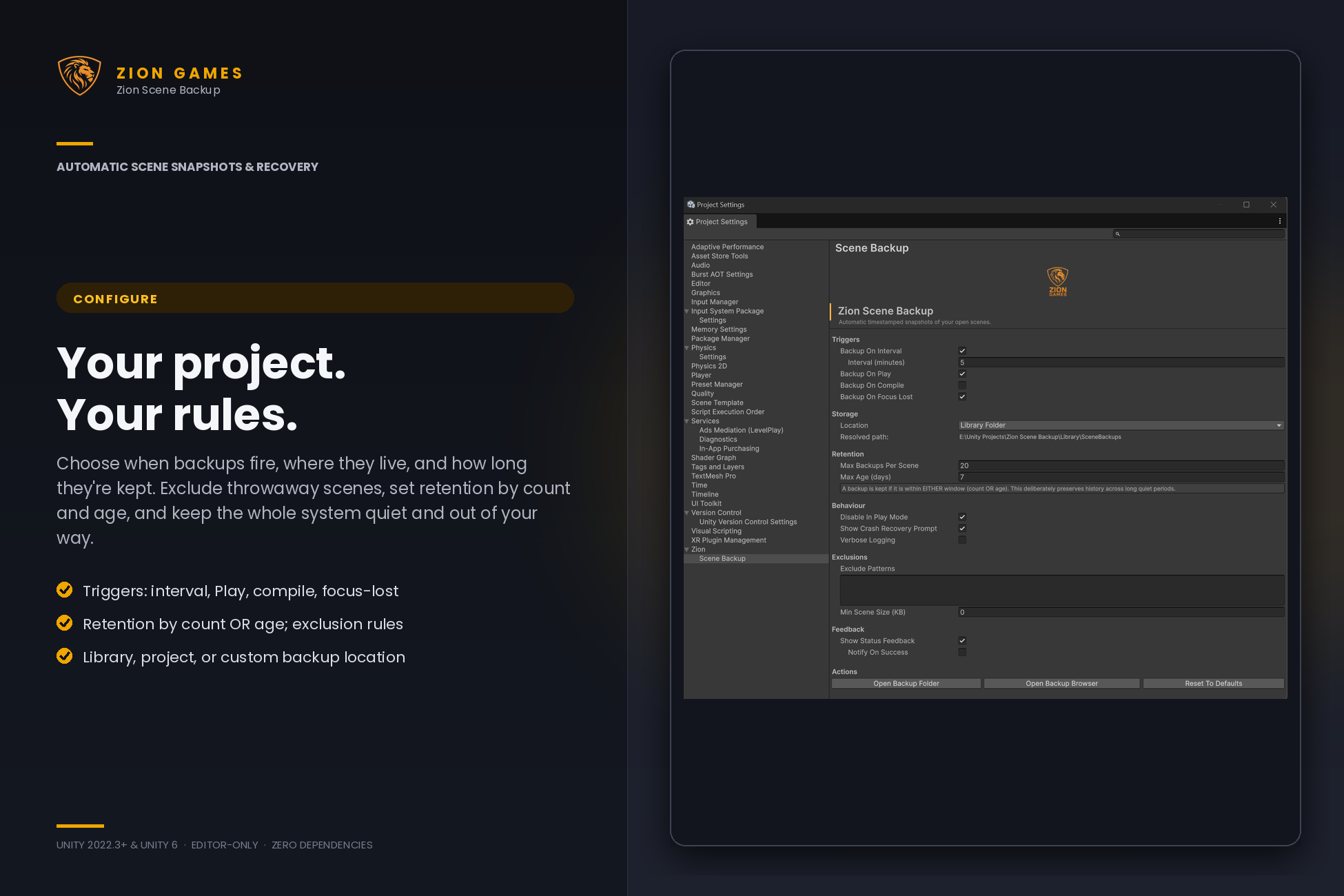
- Auto-backups on a timer, on Play, on compile, or when Unity loses focus - each independently toggleable
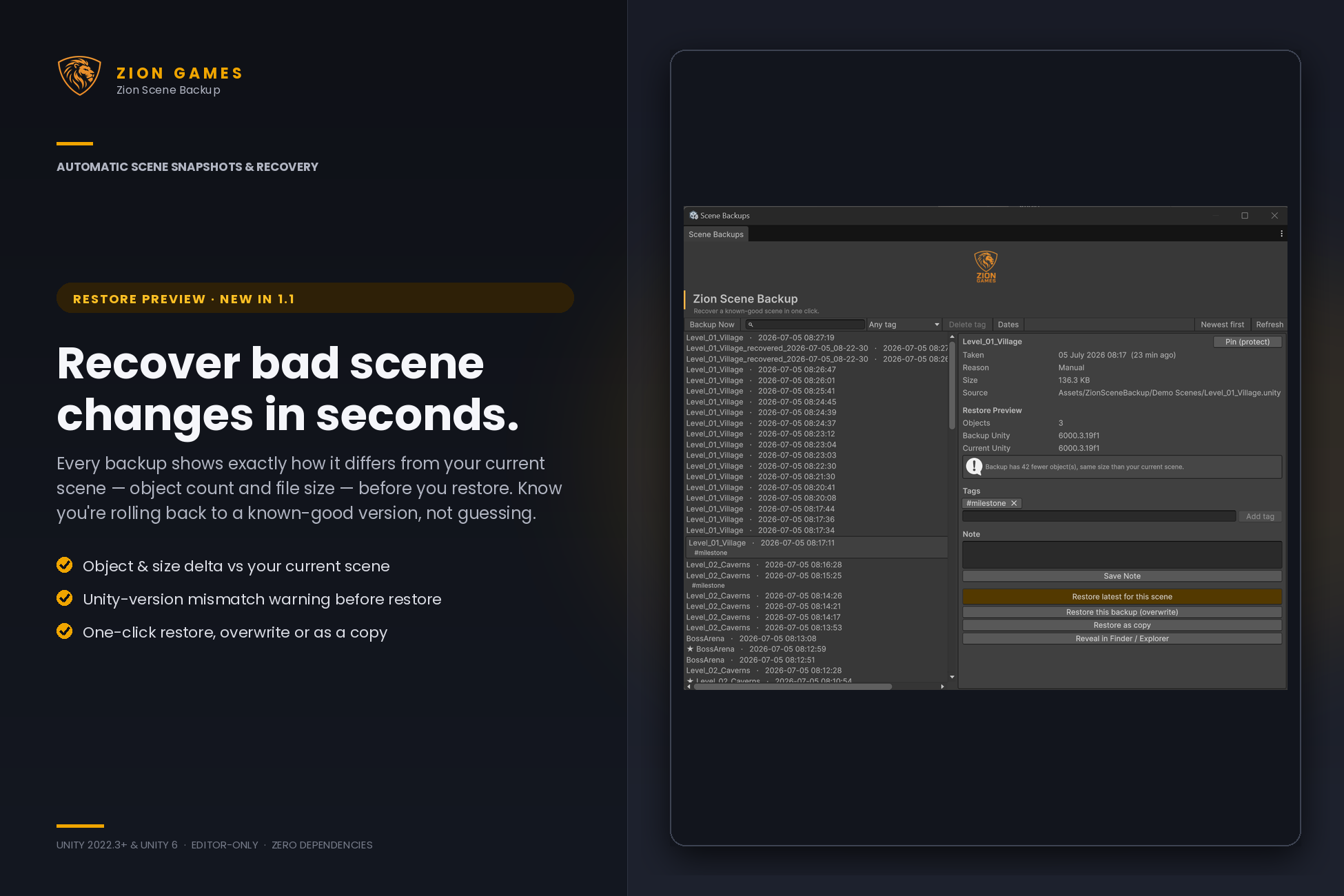
- See what changed before you restore - every backup shows its object-count and file-size difference from your current scene
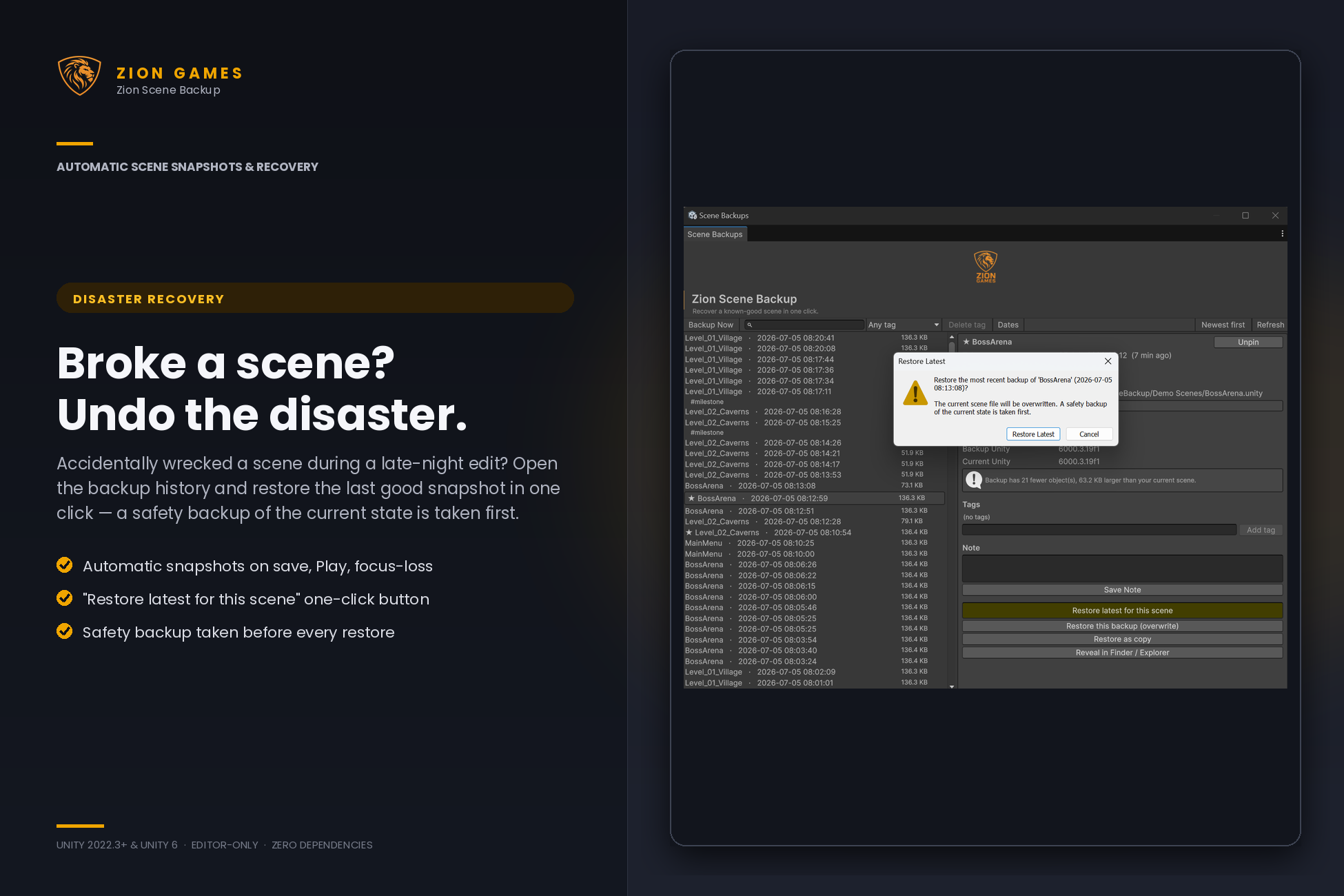
- One-click restore from a clean browser window, or restore the latest known-good version of a scene without browsing
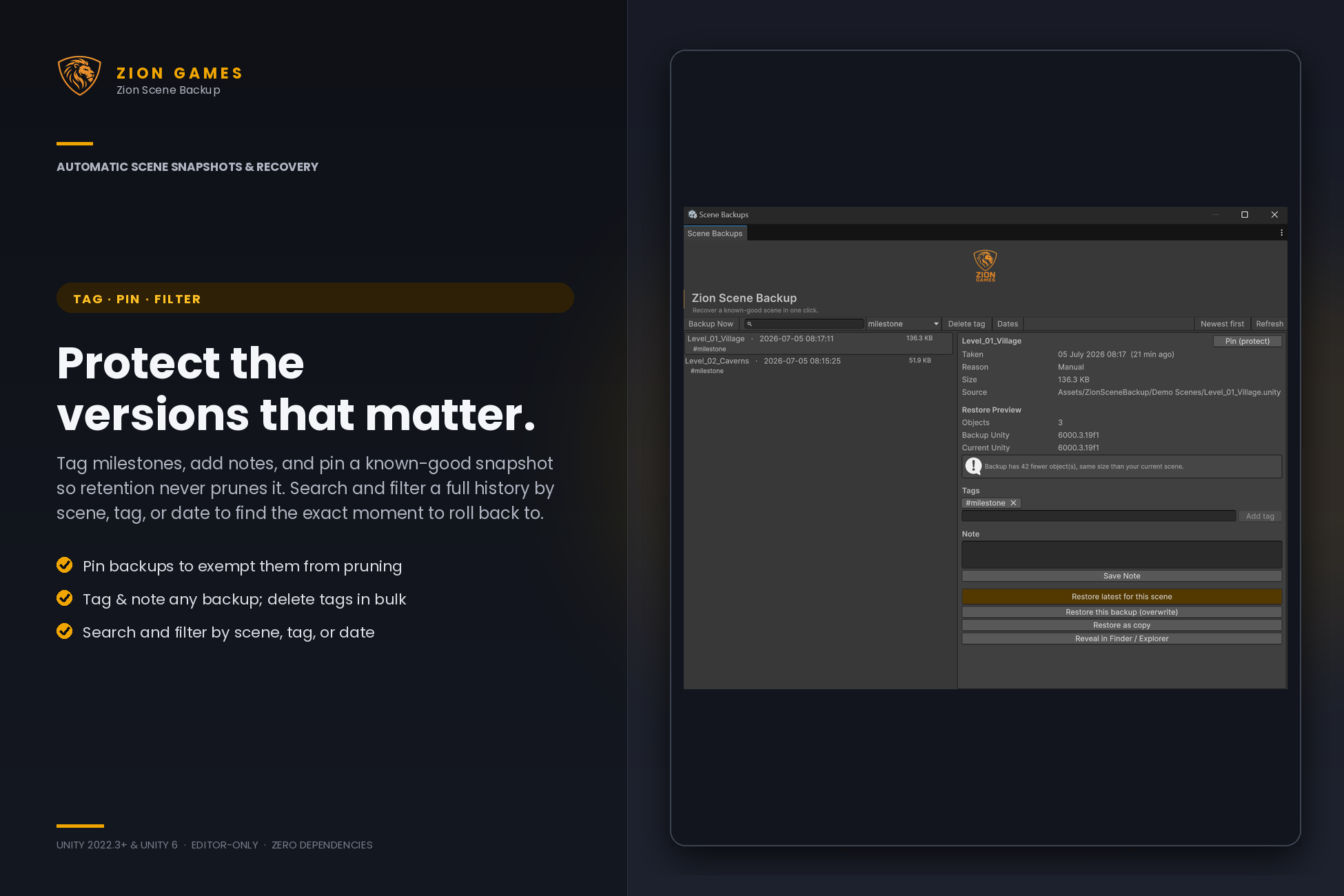
- Pin the versions that matter so retention never prunes them; tag and note any backup to find it later
- Search and filter a full history by scene, tag, or date
- Smart retention keeps recent backups and prunes old ones automatically
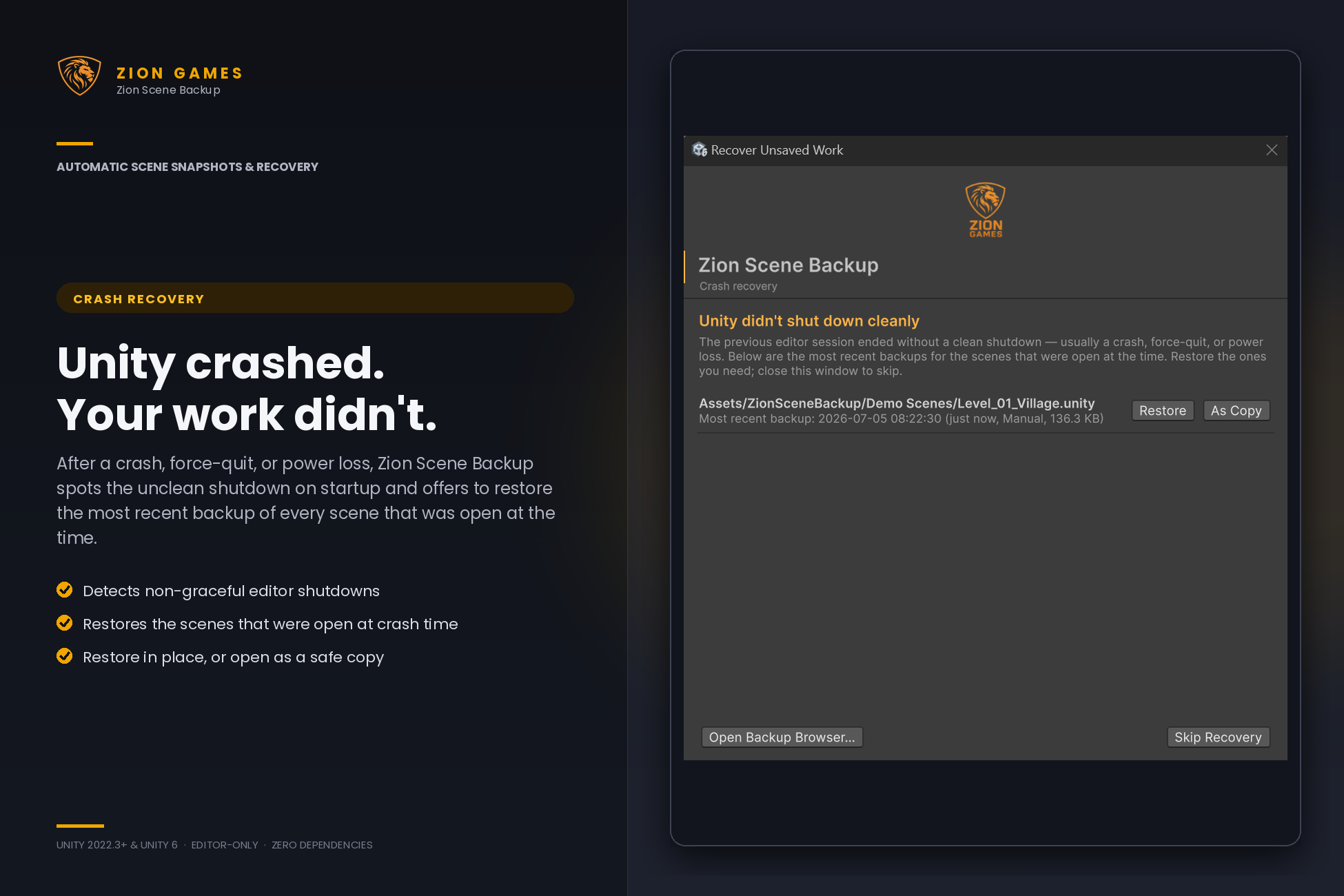
- Crash recovery prompt on next startup if Unity didn't shut down cleanly
- Pre-restore safety backups taken automatically before any overwrite
- Editor-only - adds zero runtime code, zero dependencies, zero impact on your build
Full documentation: docs.ziongames.co.uk/scene-backup
Technical details
Backup triggers (all toggleable independently)
- Timer - configurable interval (default 5 minutes)
- On Play - captures pre-Play edit-mode state, including unsaved changes
- On Compile - snapshot after every successful compile
- On Focus Lost - snapshot when Unity loses focus
- Manual - one-click "Backup Now" from menu or browser window
Restore preview & browser
- Object-count and file-size diff vs the current scene, shown before you restore
- Unity-version mismatch warning when a backup was made in a different editor version
- Pin backups to protect them from retention pruning (exempt from both count and age limits)
- Tag and note any backup; remove a tag from one backup or from every backup at once
- Search and filter by scene name, tag, or date range; sort newest- or oldest-first
Restore options
- Restore latest for a scene - one-click recovery of the most recent backup, with automatic pre-restore safety backup
- Restore (overwrite) - replaces the source scene, with automatic pre-restore safety backup
- Restore as Copy - opens the backup additively without touching the original
- Reveal in OS file explorer
Storage and retention
- Default location: Library/SceneBackups/ (gitignored automatically)
- Configurable to project root or any custom folder
- Per-scene retention with OR-policy (kept if within count window OR age window); pinned backups are always kept
- Exclusion rules - skip automatic backups by scene name/path glob or minimum scene size
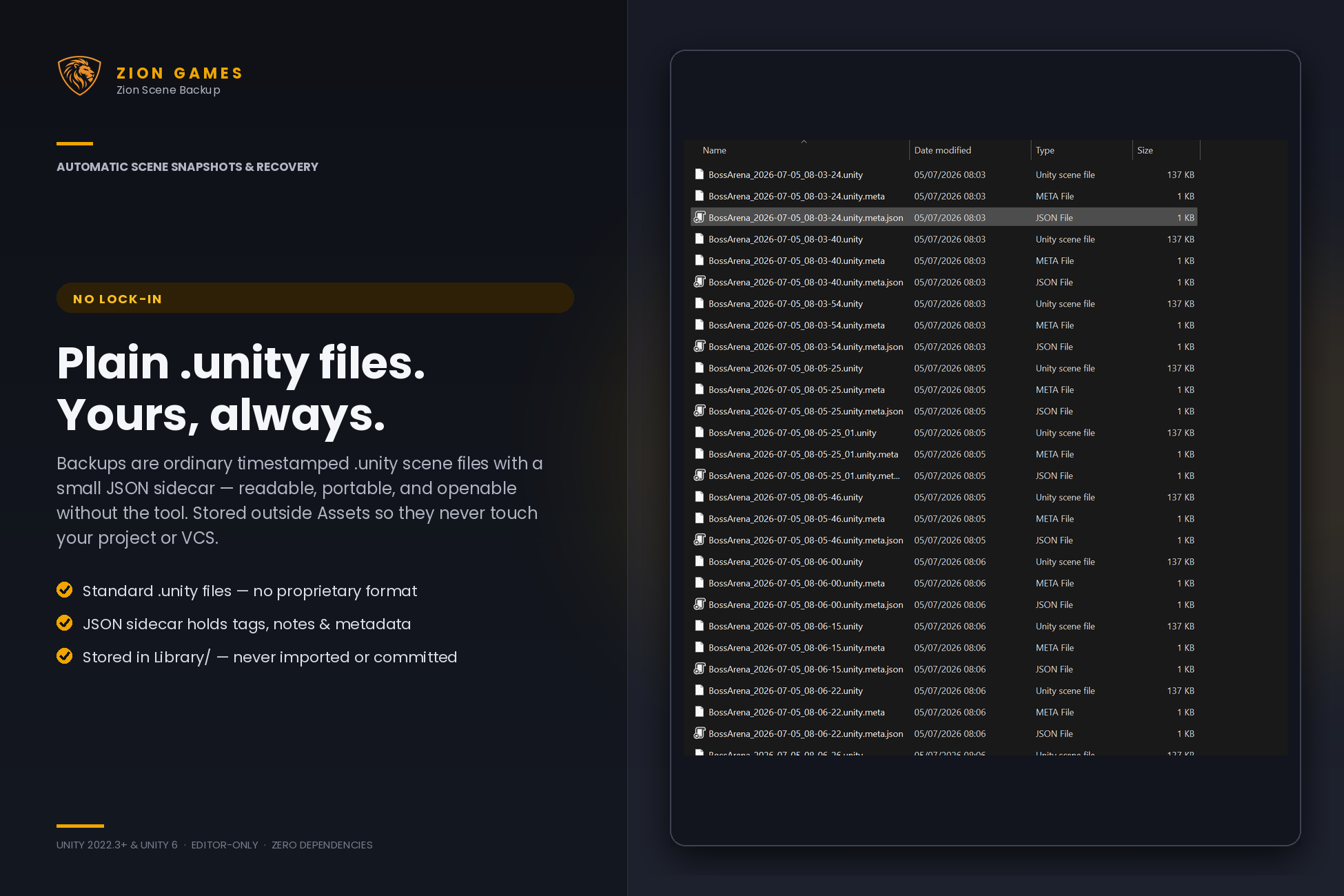
- Plain .unity files plus .meta.json sidecars (tags, note, object count, pinned) - fully readable outside Unity
Crash recovery
- Detects non-graceful editor shutdowns via session file pattern
- Recovery prompt on next startup lists most recent backup of each previously-open scene
- Per-scene Restore / Restore as Copy actions
Compatibility
- Unity 2022.3 LTS through Unity 6+
- All render pipelines (Built-in, URP, HDRP) - package is editor-only
- Windows, macOS, Linux editors
Code quality
- Editor-only assembly - never compiled into player builds
- No third-party dependencies
- All source readable, namespaced under ZionGames.SceneBackup
- Settings stored as JSON under ProjectSettings/, not as Assets folder pollution